
 How to add SHA-1 key in firebase :
Before using firebase data access or signin or signup in debug or release you need to add SHA-1 and SHA26 Key in Firebase. So let's see how to generate key https://console.firebase.google.com/
Genearate SHA-1 and SHA26 follow below steps:
- In Android Studio or Video Studio open your project, open terminal and go to android
folder just write below
command
cd android
- Now enter another command for go to your android folder path
./gradlew signingReport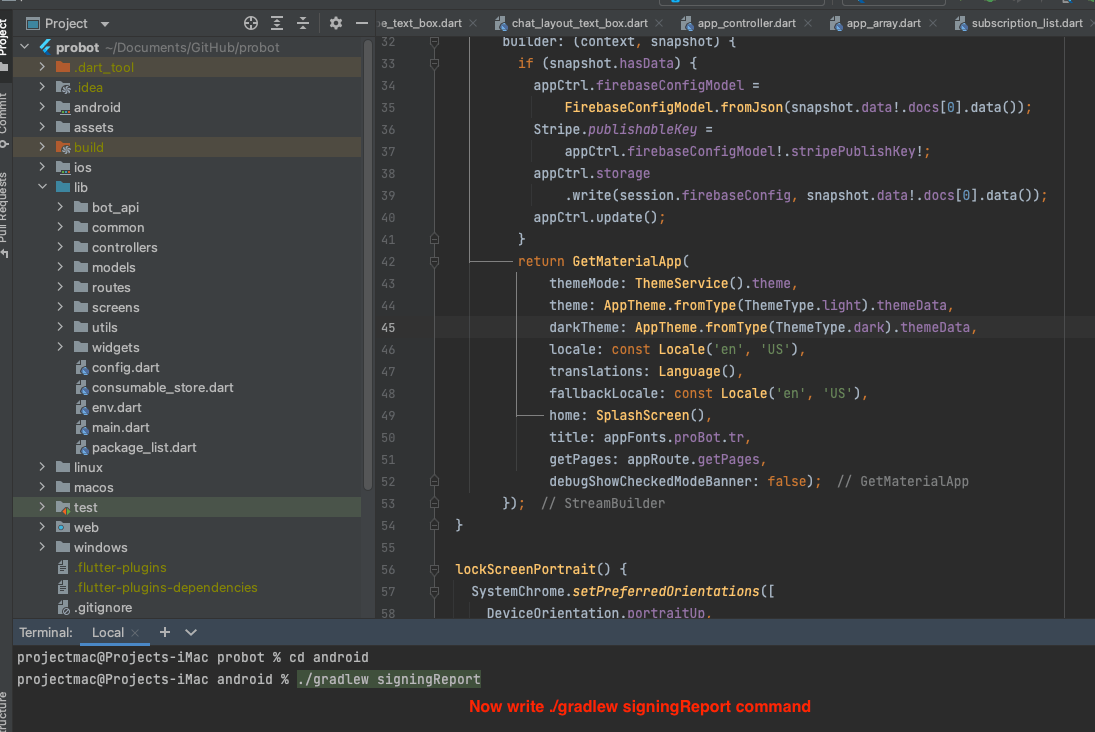
-
For Debug mode:
keytool -list -v -keystore ~/.android/debug.keystore -alias androiddebugkeystorepassword : android -keypassword android -
For Release mode:
keytool -list -v -keystore [keystore_name] -alias [alias_name].storepassword : your password -keypassword : your key password - Example for Release mode
keytool -list -v -keystore /Users/projectmac/Documents/GitHub/probot/android/probot -alias probotstorepassword : probot -keypassword : probot - After apply above command enter the line. You get the both SHA-1 and SHA26 key
- Copy SHA-1 Key, Open your project in firebase project
-
On left hand side panel click on setting icon. On click Setting
button pop open open.
In that click on Project Settings

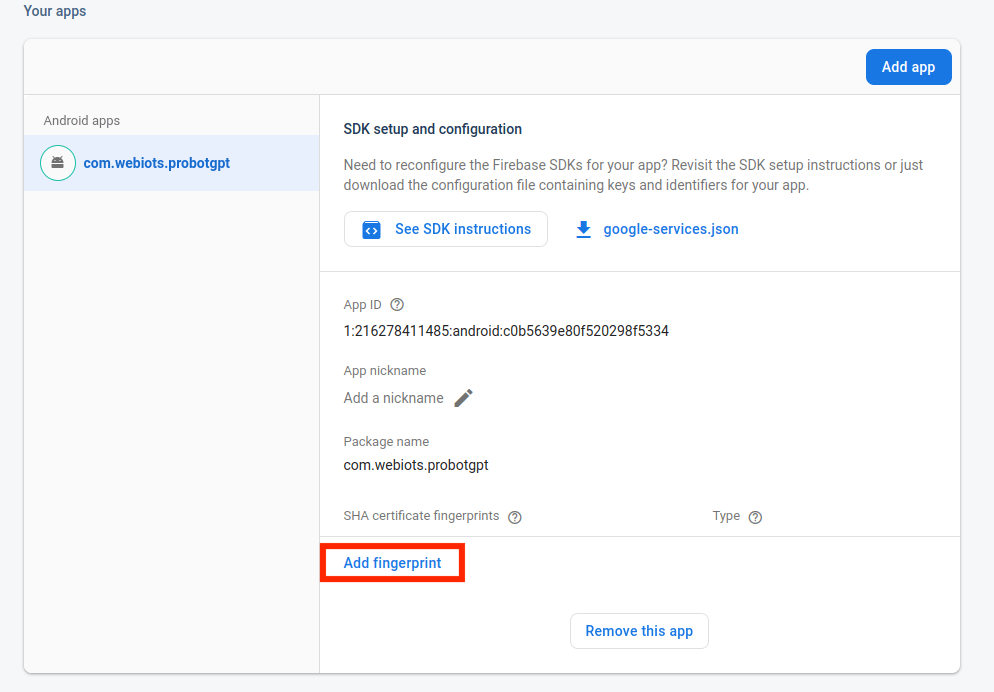
- In General tab, go down in that click Add fingerprint
-
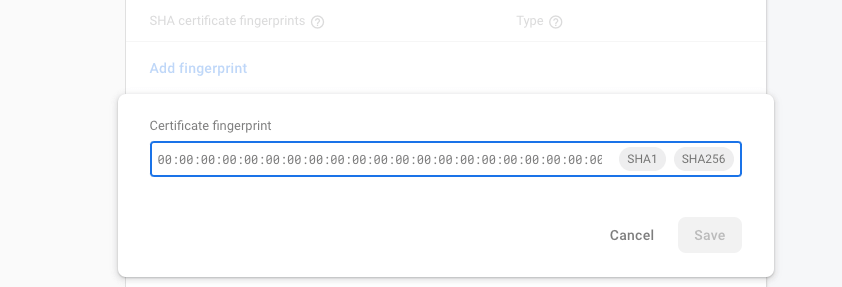
Generate debug and release SHA1 and SHA26 key and in fingerprint
-
For Create Bundle in android :
-
If you want to create bundle instead of apk you have to add new signin SHA-1
From you google console
like
:
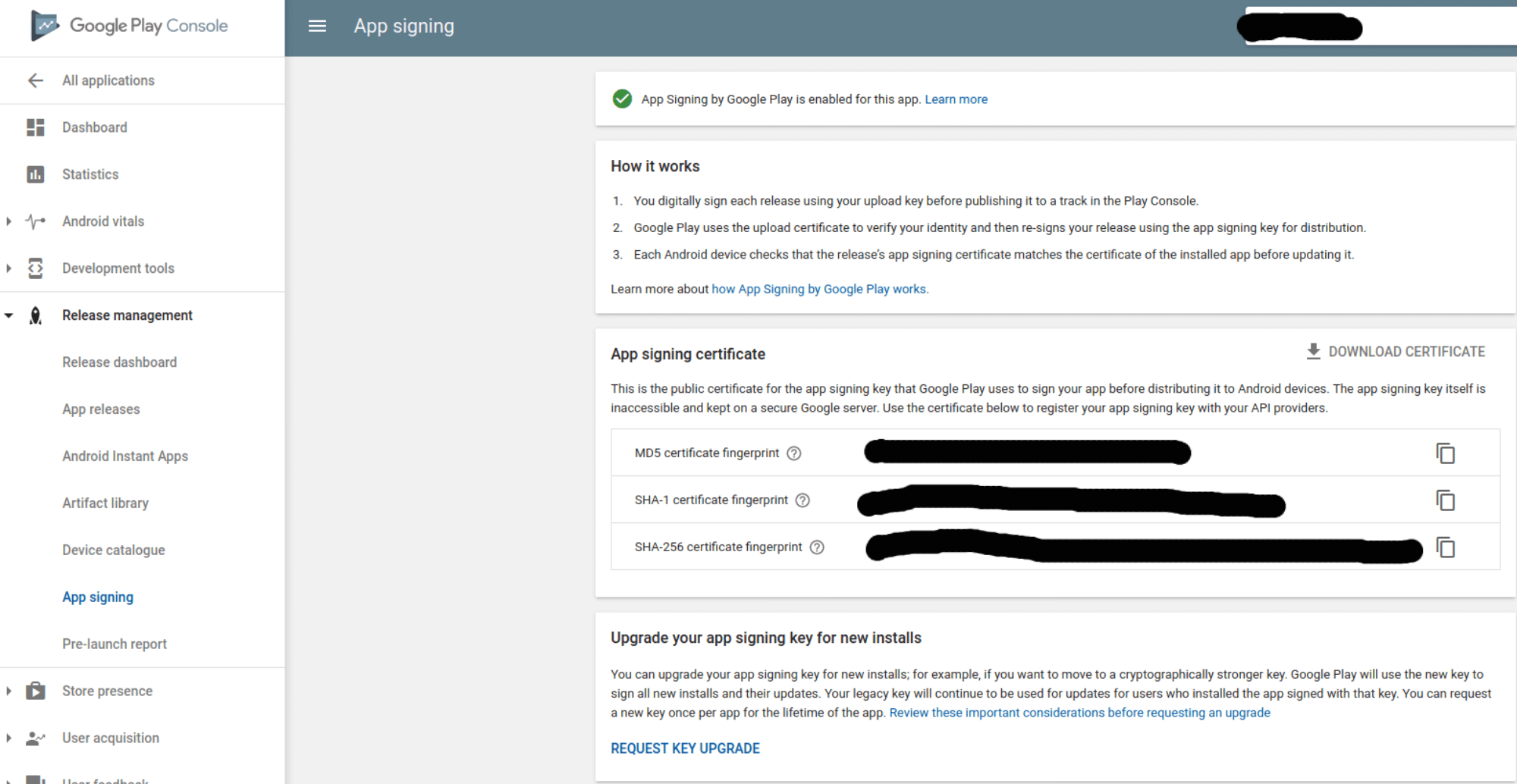
Go to Google play console ⇒ Select you app ⇒ Go to release Management ⇒ Open App Signin ⇒ Copy SHA-1 from app singin certificated and paste it to firebase project settings.
-
If you want to create bundle instead of apk you have to add new signin SHA-1
From you google console
like
: