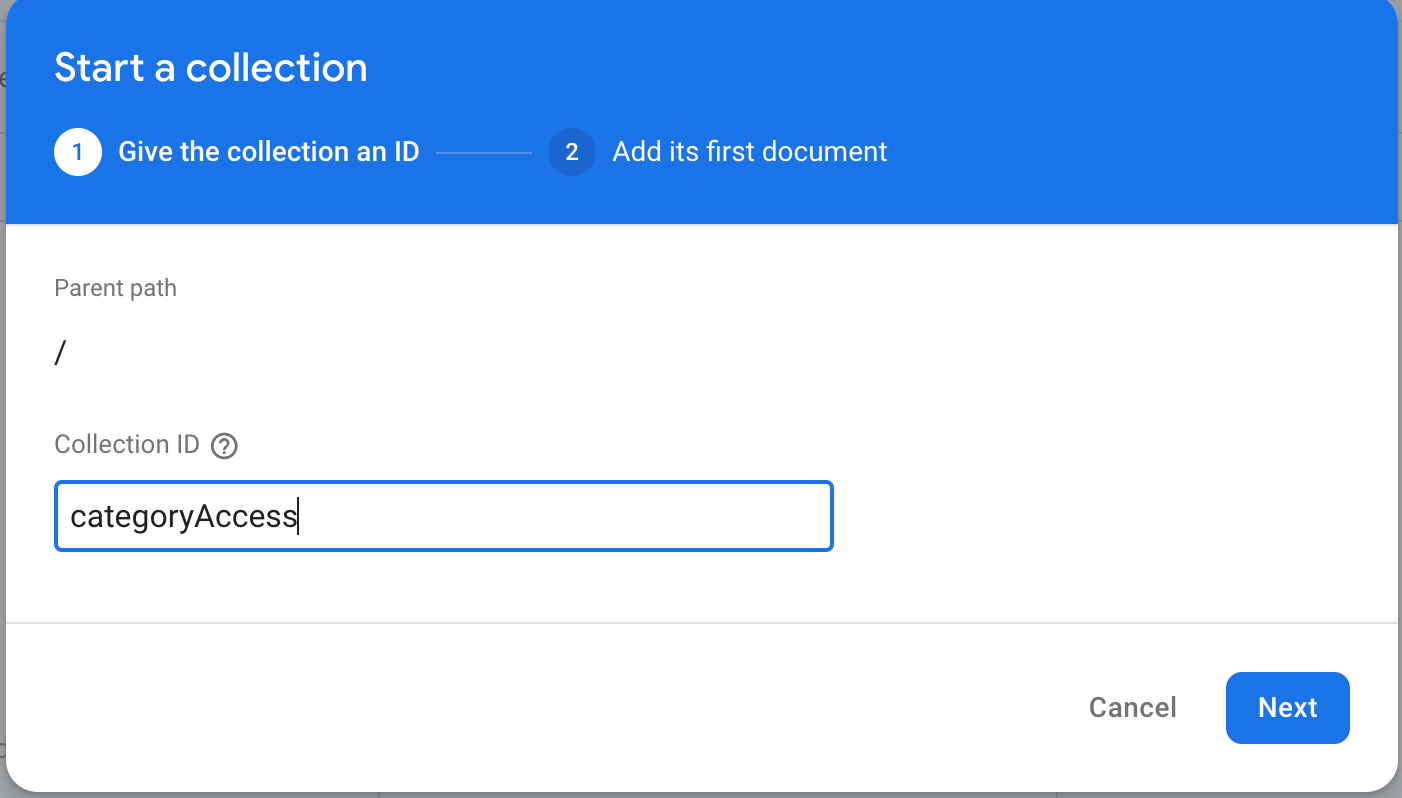
Add All below field in firebase
No. Fields  -> datatype
1.  isCodeGeneratorEnable -> bool -> If You want to Hide Code Generater in App just give false or else give true value ->
2.  isTranslateAnythingEnable -> bool -> If You want to Hide Translate AnyThing in App just give false or else give true value ->
3.  isSocialMediaEnable -> bool -> If You want to Hide Social Media in App just give false or else give true value ->
4.  isEmailGeneratorEnable -> bool -> If You want to Hide Email Generater in App just give false or else give true value ->
5.  isPersonalAdvisorEnable -> bool -> If You want to Hide Personal Advisor in App just give false or else give true value ->
6.  isPasswordGeneratorEnable -> bool -> If You want to Hide Password Generater in App just give false or else give true value ->
7.  isTravelEnable -> bool -> If You want to Hide Travel Hangout in App just give false or else give true value ->
8.  isEssayWriterEnable -> bool -> If You want to Hide Essay Writer in App just give false or else give true value ->
9.  isContentWritingEnable -> bool -> If You want to Hide Content Writing in App just give false or else give true value ->


 How to Hide Show Category in firebase :