
 Create project in Visual Studio :
- Now open Visual Studio Install Flutter and Dart
- Mow Open the Command Palette (Ctrl+Shift+P (Cmd+Shift+P on macOS)).
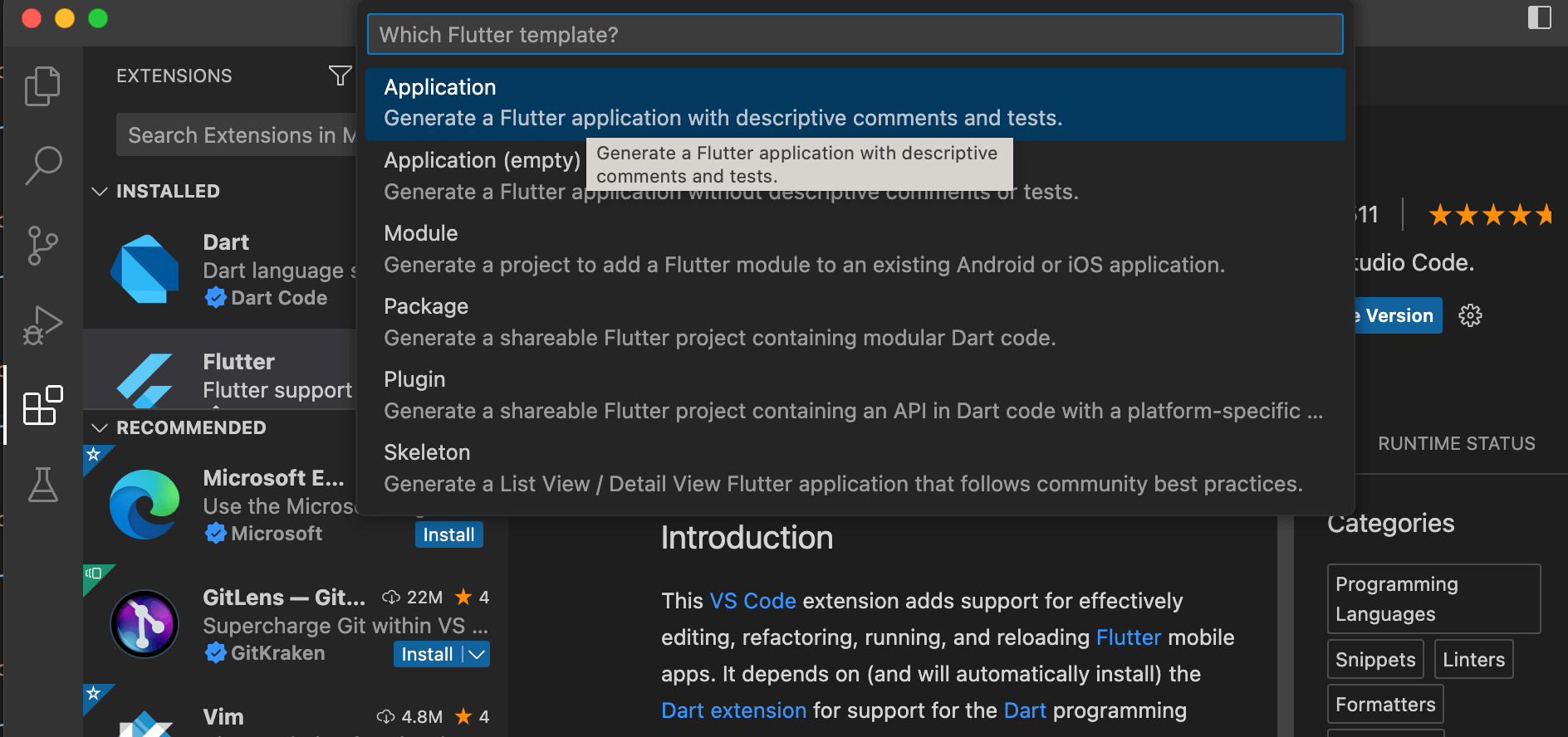
- Select the Flutter: New Project command and press Enter.

- Select Application and press Enter.
- Select a Project location.
- Enter your desired Project name.