
 How to build APK or AAB ?
There are 2 ways to build Apk
- Through Command Line
- By Opening in Android Studio
Through Command Line :
flutter build apk --release
By Opening in Android Studio :
- Open Your Android folder in android studio.
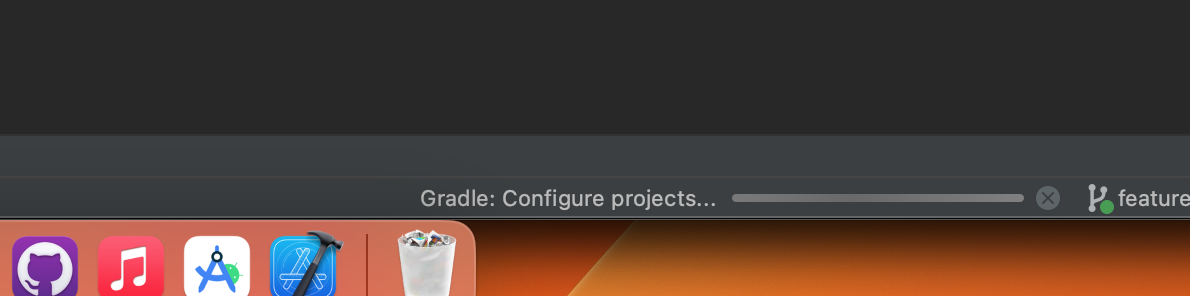
- Now wait until your gradle build
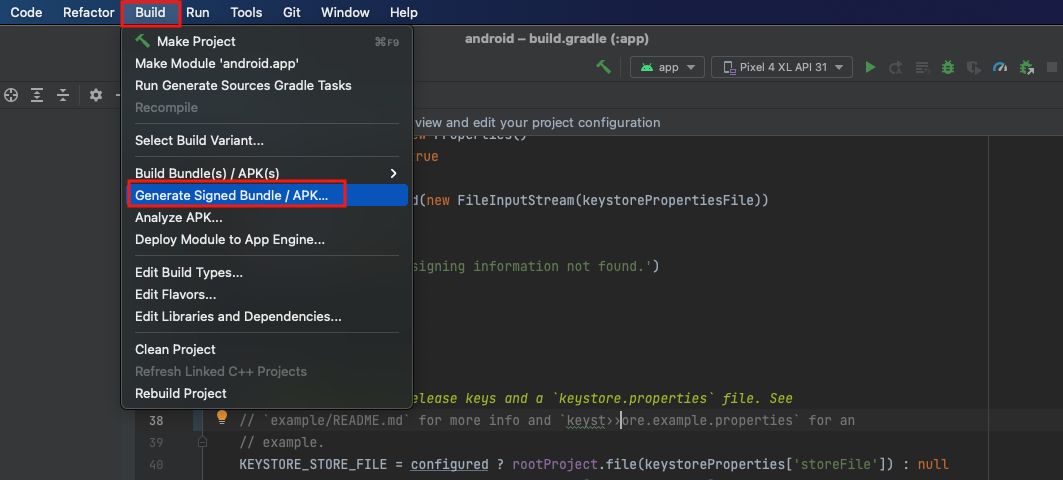
- From Top Menu bar click on Build
- In that click on Generated Signed Bundle / APK...
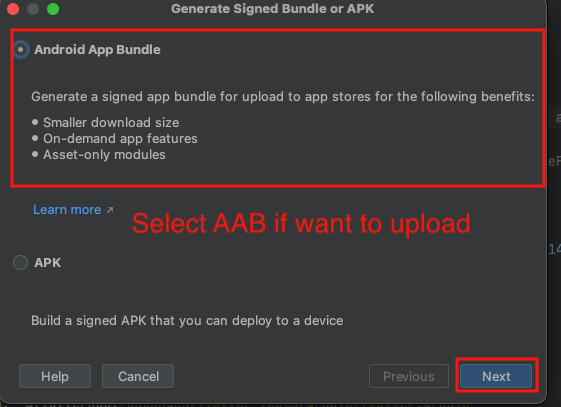
- Now Select Option between Android App Bundle (AAB) or APK. If you want to check app then select APK or if you want to upload on google play store then select Android App Bundle (AAB)
- After select option click on Next button.

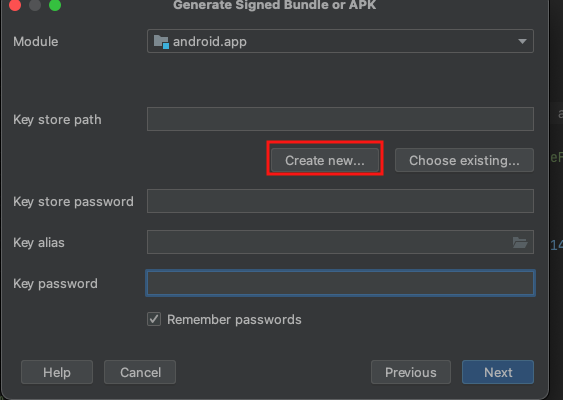
- Now time for key store if you don't have click on Create new...
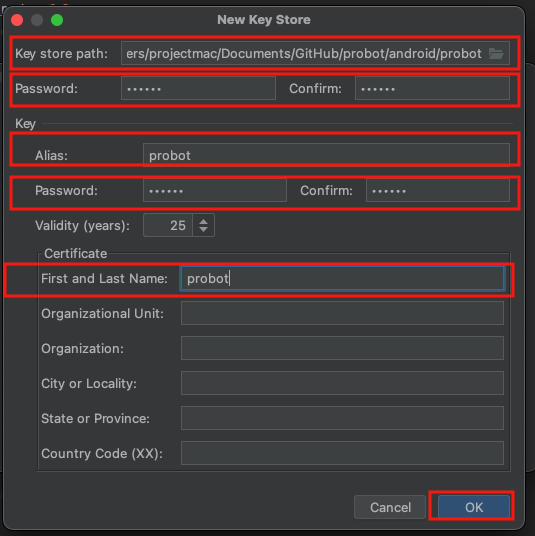
- In that give the path where you keystore will be saved, give the password for keystore
and give alias name and alias password and click on OK button.
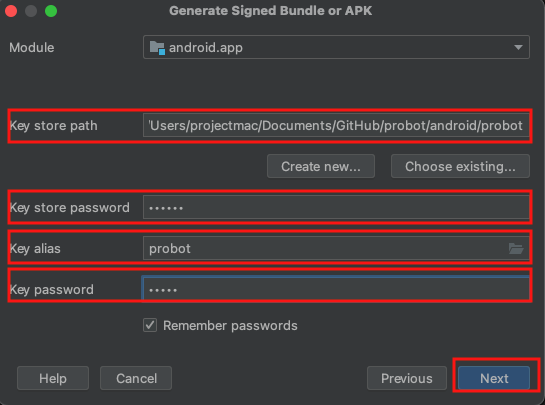
- If you have already create keystore then select the path and give the alias name and
password and click on Next button.
- Now select release in Build Variants and click on Finish button.

- It take some time and generate your apk show in bottom right where it is located.

NOTE :
Remeber Your keystore is used when you upload the AAB on play store and it is one
time used once your aap upload with that keystore and your loose the keystore and
try to generate another your AAB will not be uploaded
NOTE :
Alose Remeber your alias name and password is used when try to generate SHA key
for release