

Installation
- If you haven’t Flutter in system ? Click here for installation Flutter https://flutter.dev/docs/get-started/install
- We know you are aware for flutter installation steps if you are facing Any difficulty then follow this stpes for Visual Studio : https://flutter.dev/docs/development/tools/vs-code
- We know you are aware for flutter installation steps if you are facing Any difficulty then follow this stpes for Android Studio: https://developer.android.com/studio/
1. SDK Version:
If you use Chatify in your project then you need to change following changes.
Flutter (v3.0.5 or higher)
- You need Flutter v3.0.5 or higher (Stable Channel)
Install Flutter using following link according to your System like Windows, MacOS etc.: https://docs.flutter.dev/get-started/install?gclid=CjwKCAiAyfybBhBKEiwAgtB7fuo-wU3GtYs7e8vzM5aFBUbGfa0PVB1LnCZxcii4Fre08wOOIc1-ExoCAbIQAvD_BwE&gclsrc=aw.ds
Dart with higher version
- You need Dart latest version
Install Dart using following link: https://dart.dev/get-dart/archive
If want to download through according to your System like Windows, MacOS etc follow the link : https://dart.dev/get-dart
2. Flutter Install:
We know you are aware for flutter installation steps if you are
                      facing Any difficulty
                      then follow
                      this stpes
                      :
https://docs.flutter.dev/get-started/install?gclid=CjwKCAiAyfybBhBKEiwAgtB7fow-94-hreD6f2avvXKl2VvIDbS_focHuOlycE3RcHUxPCuOlXLvGBoCok8QAvD_BwE&gclsrc=aw.ds
- Download Lastest Flutter SDK from below link.in that click on
flutter_window_xxx.zip
button.
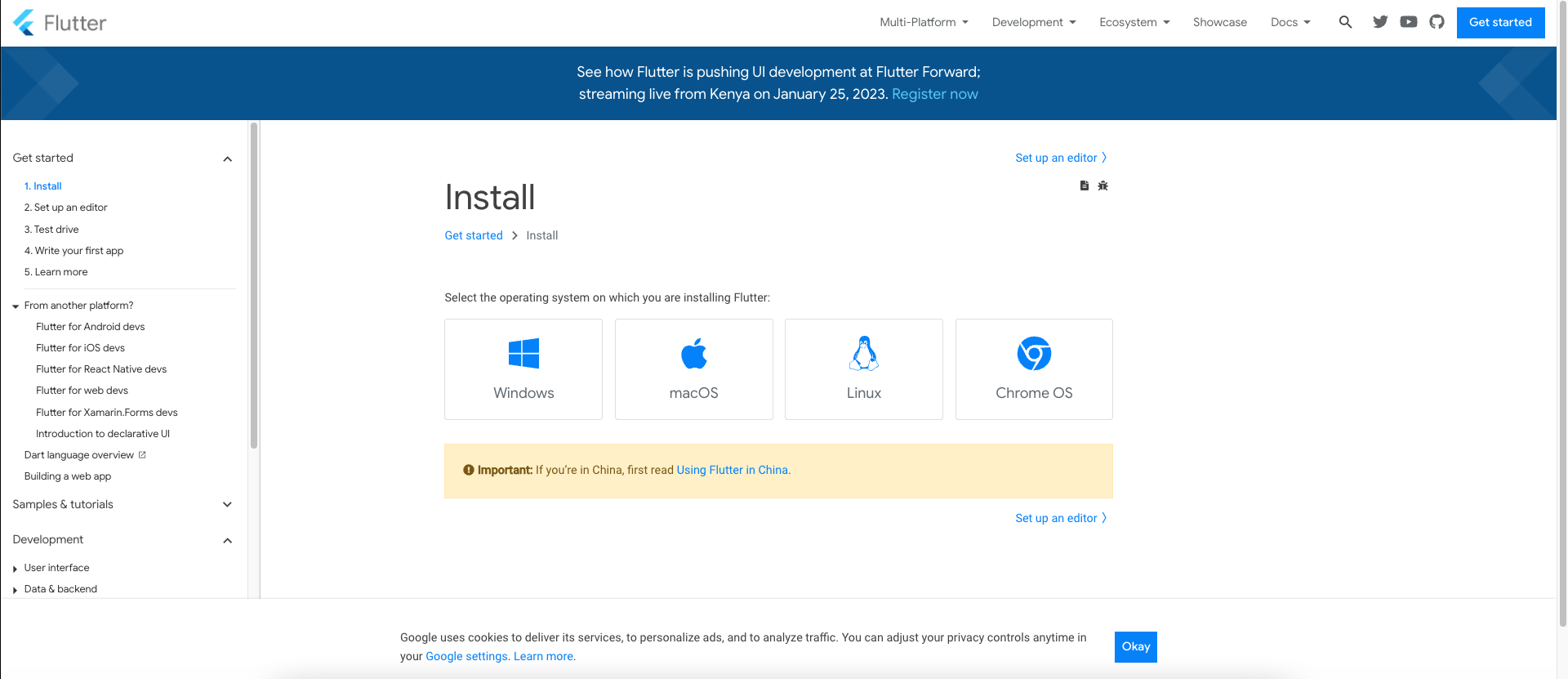
- Extract the zip file and copy flutter folder into your desired installation location for the Flutter SDK.
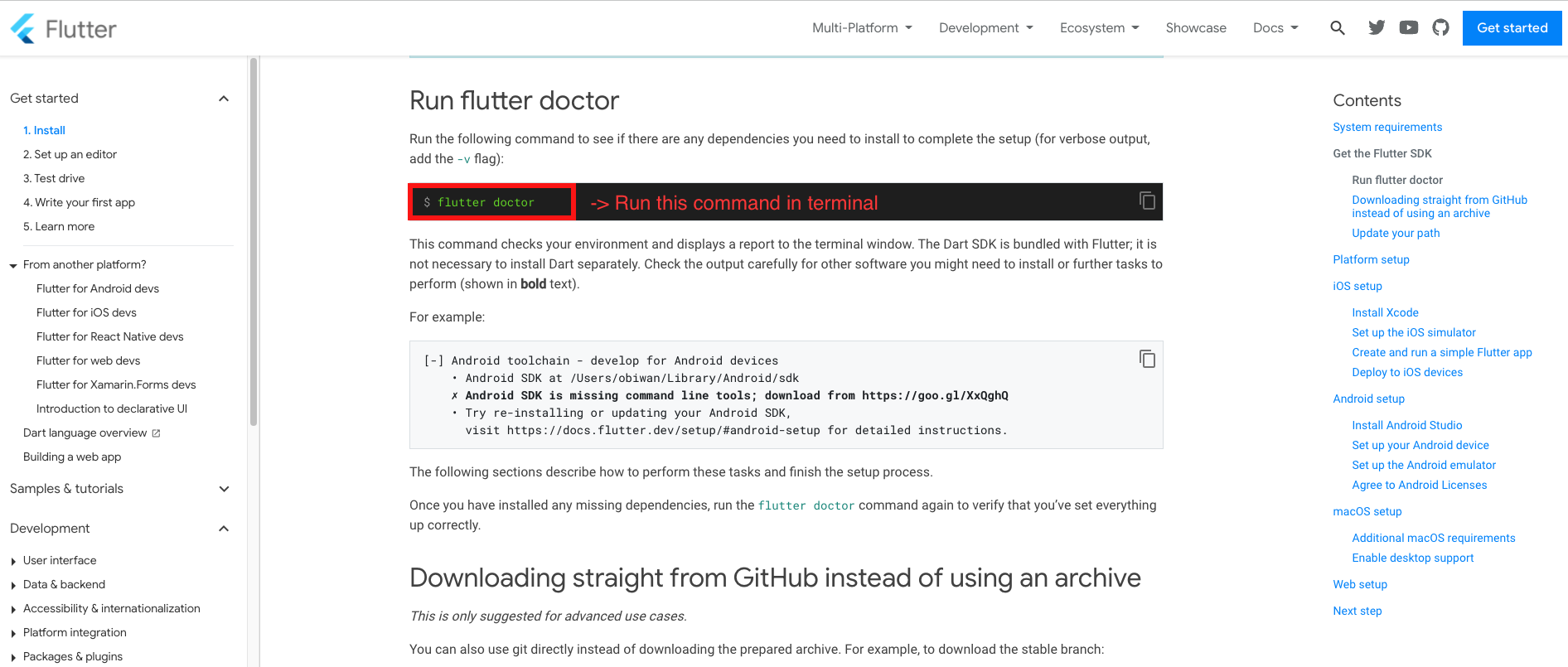
- Run the "flutter doctor" command to see if there any dependencies you need to
install to
complete setup.
3. Flutter Install in Visual Studio:
- Open Visual Studio, install Flutter and Dart.
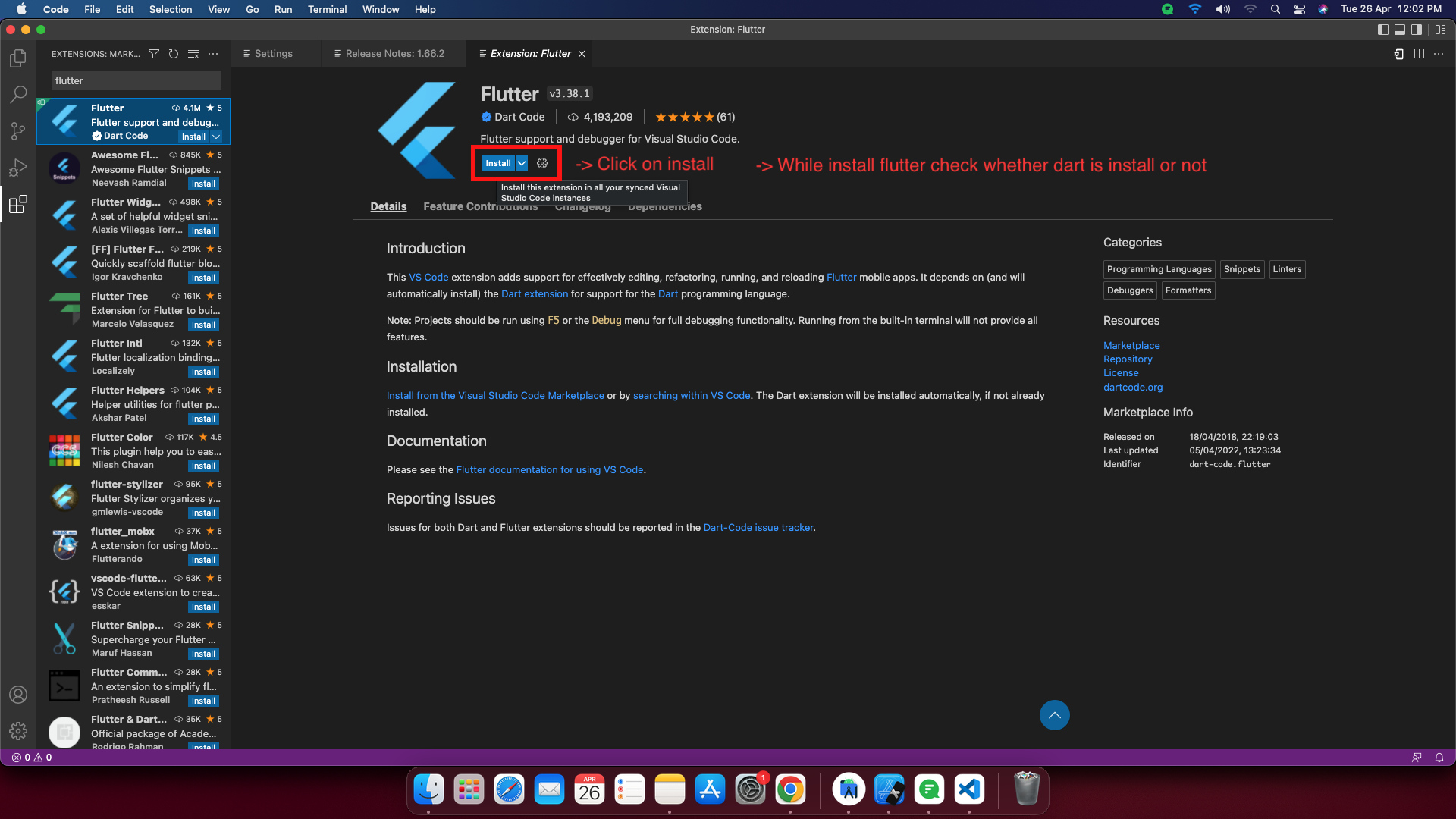
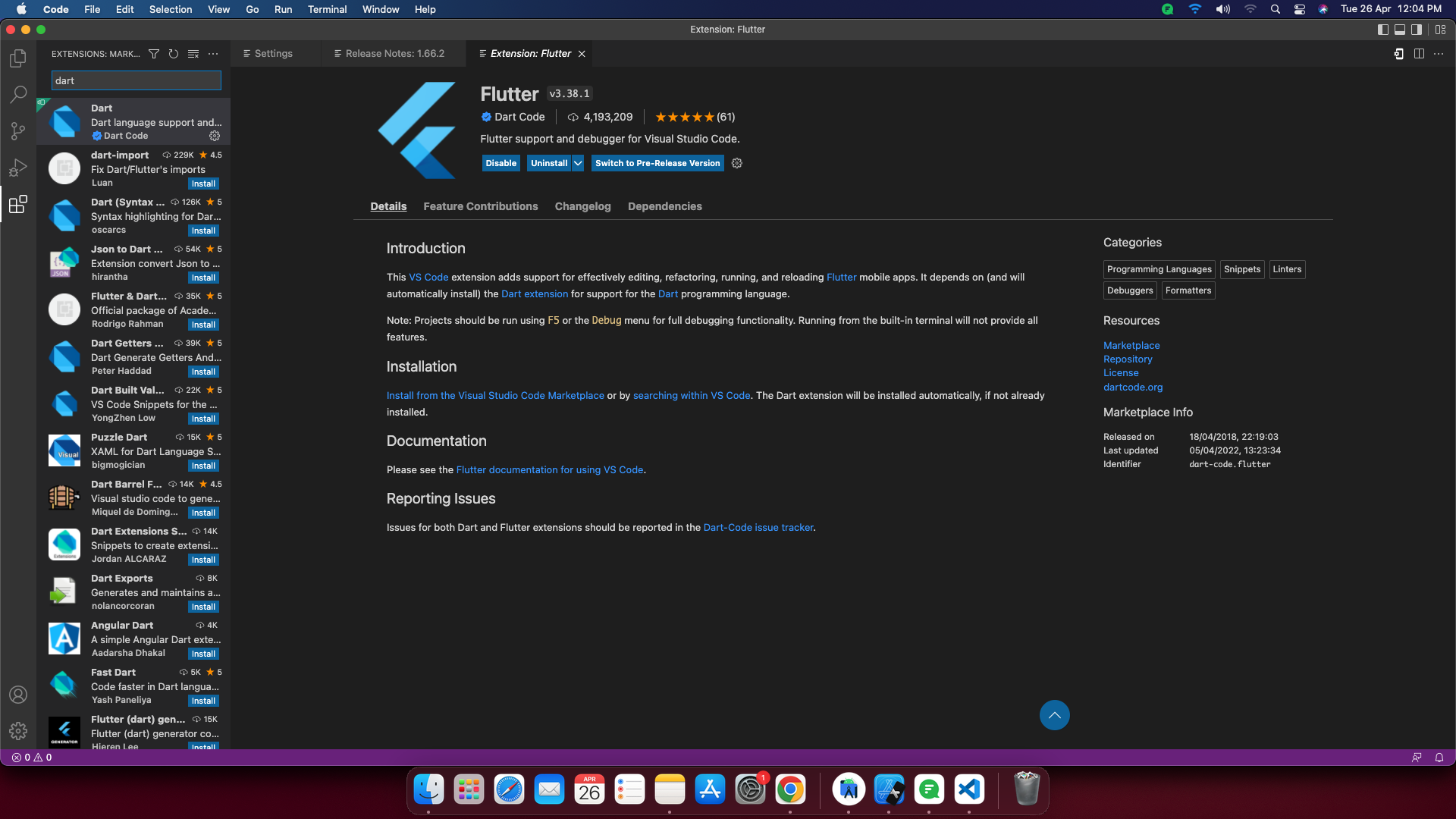
- After completed flutter install check for Dart whether Dart is install or
not, if
Dart is not install,
then install Dart.
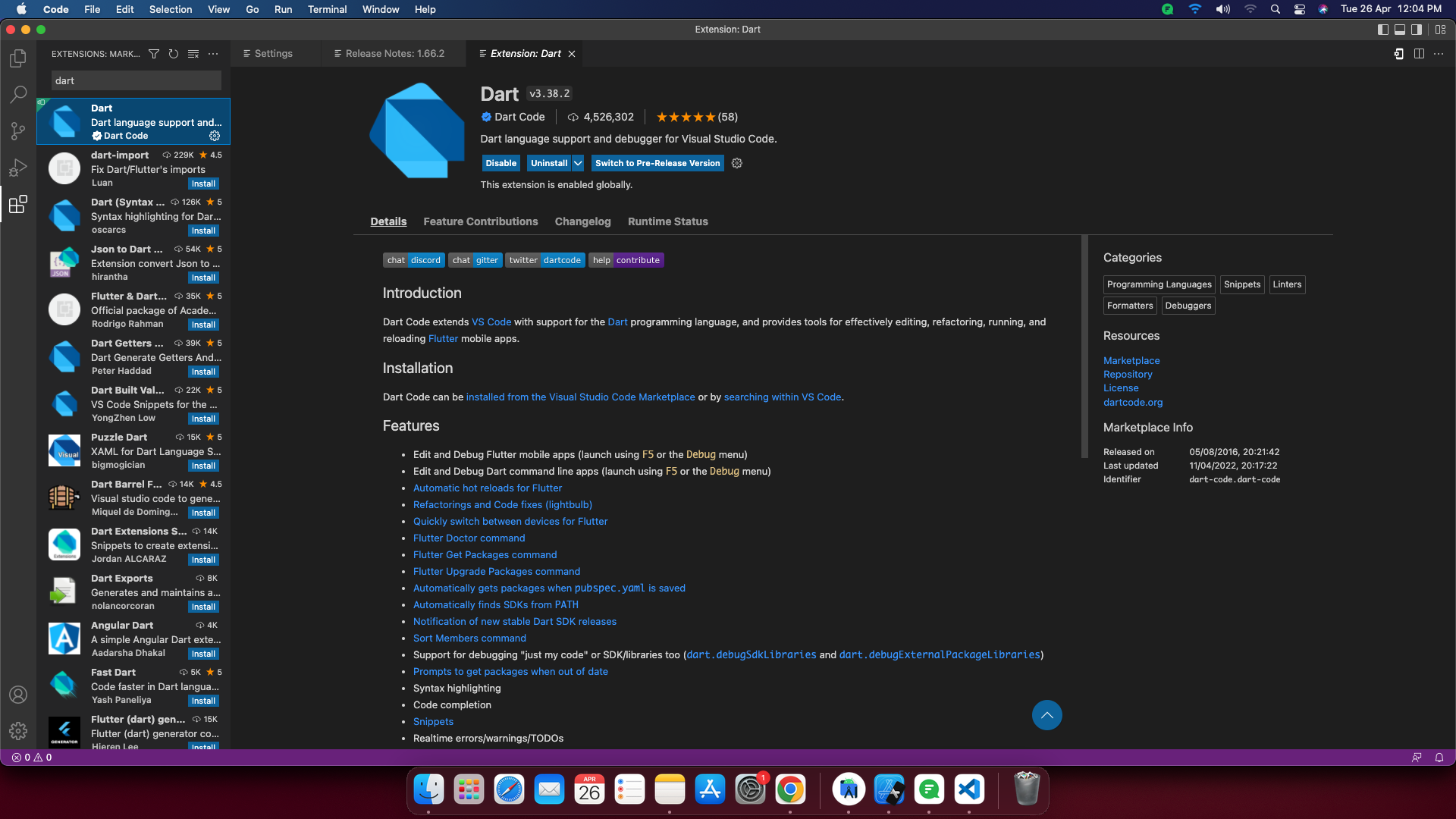
- Run the "flutter doctor" command to see if there any dependencies you need
to
install to complete
setup.
4. Flutter Install in Android Studio:
- Open Android Studio, install Flutter and Dart.
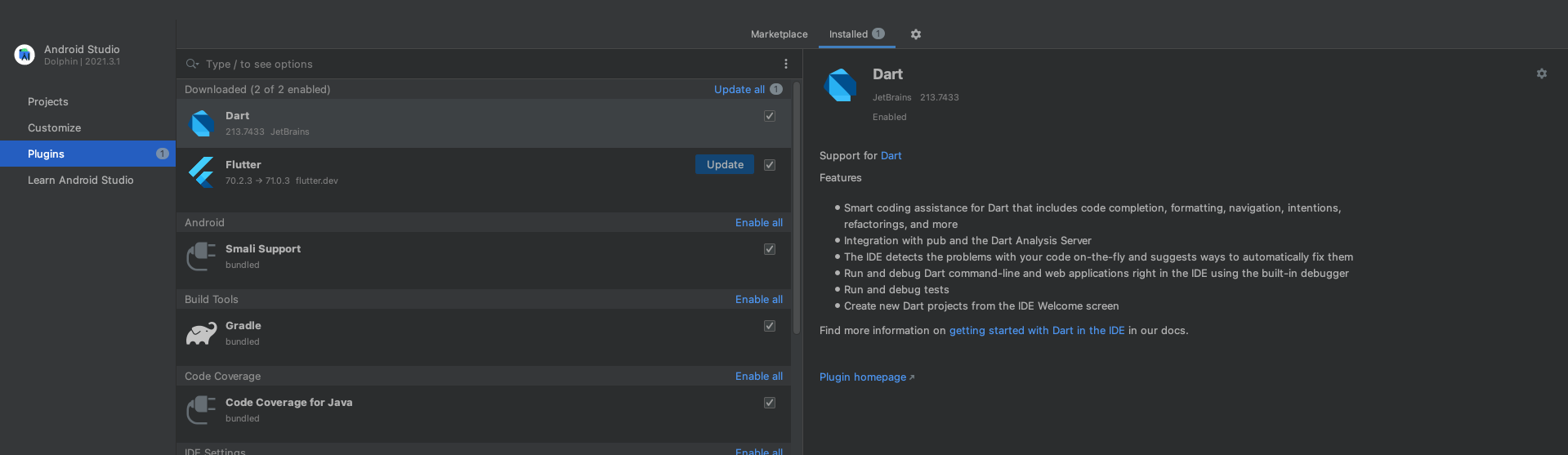
- Run the "flutter doctor" command to see if there any dependencies you need
to
install to complete
setup.
5. Dart setup
Note: If you want Dart setup then directly follow
                      next Dart setup section
IN WINDOW:
- Press Windows+R to open the Run window
- Type cmd into the box.
- Press Ctrl+Shift+Enter.
C:\> choco install dart-sdki IN LINUX:
- $sudo apt-get update
- $sudo apt-get install apt-transport-https
- wget -qO- https://dl-ssl.google.com/linux/linux_signing_key.pub | sudo gpg --dearmor -o /usr/share/keyrings/dart.gpg
- echo 'deb [signed-by=/usr/share/keyrings/dart.gpg arch=amd64] https://storage.googleapis.com/download.dartlang.org/linux/debian stable main' | sudo tee /etc/apt/sources.list.d/dart_stable.list
If you haven't installed it, be sure to install it first.
$sudo apt-get update$sudo apt-get install dartIN MacOS:
$brew tap dart-lang/dart$sudo apt-get install dart