

Create Project
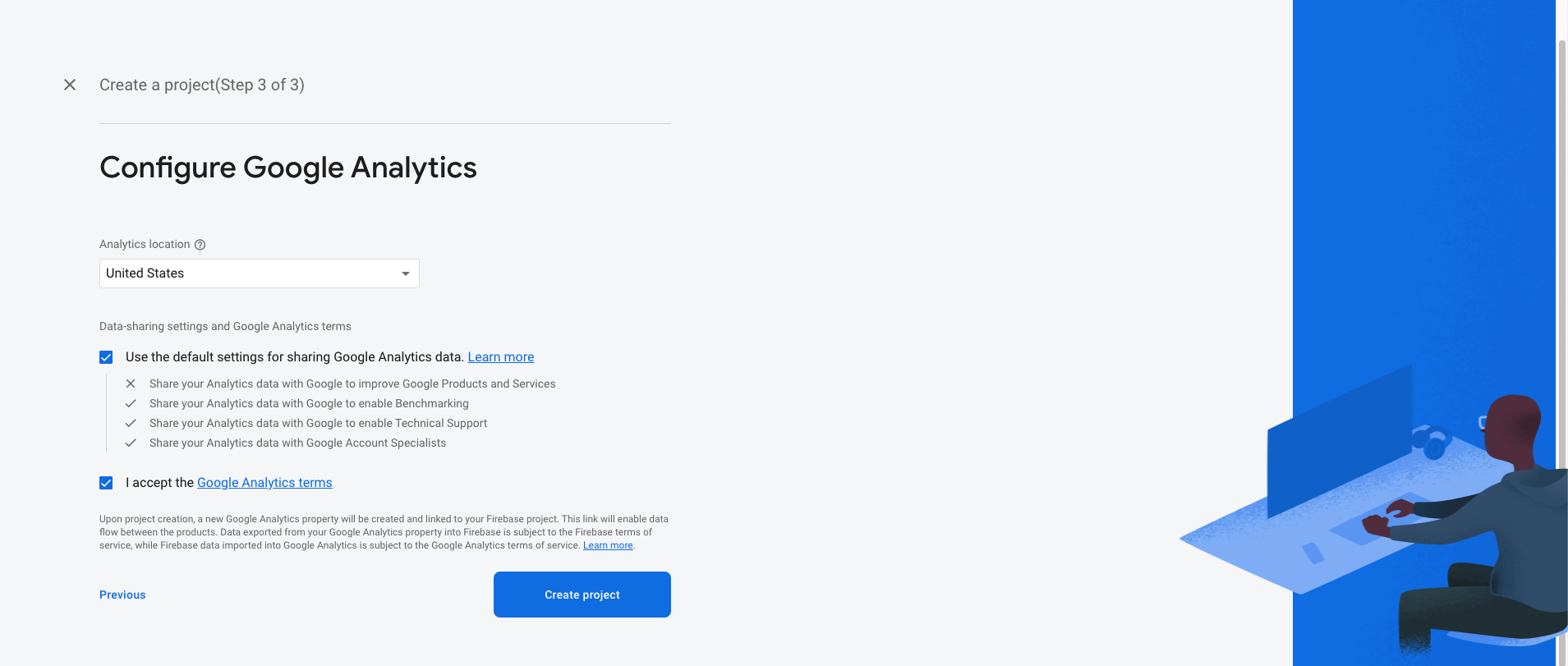
- If you haven’t Firebase Project Account ? Click here for create projet https://console.firebase.google.com/



Android :
- Select an Android app in the firebase console.
- Write project package name and SHA-1 Key.
- Download google-service.json file and keep in project root directory
- Example Chatify(Project Name) -> android -> app
- Replace the file in "android/app"
- Update in project -> build.gradile
- Update in project ->android -> app -> build.gradile


iOS:
- Create an IOS or Android click on Add app
- Select an iOS app in the firebase console.
- Write bundlid and APPID
- Download the Googleservice-info.plist file
- Replace the file in "ios/Runner/info.plist"
- Update "FirebaseApp.Configure()" in AppDelegate File


Firebase Configuration
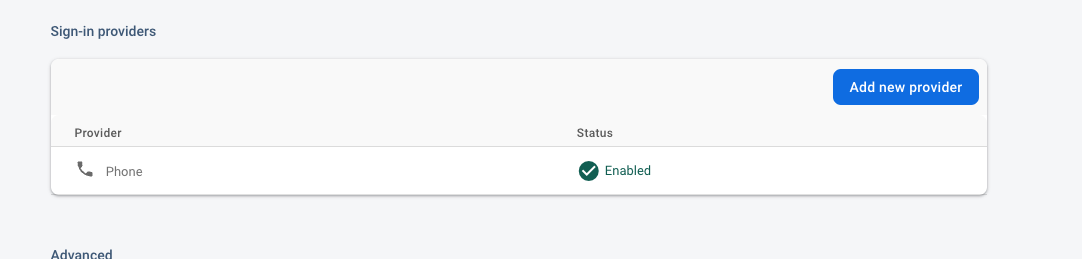
- Please enable phone.
How to add SHA-1 key in firebase
- On left hand side panel click on setting icon. On click Setting button pop open open. In that click on Project Settings
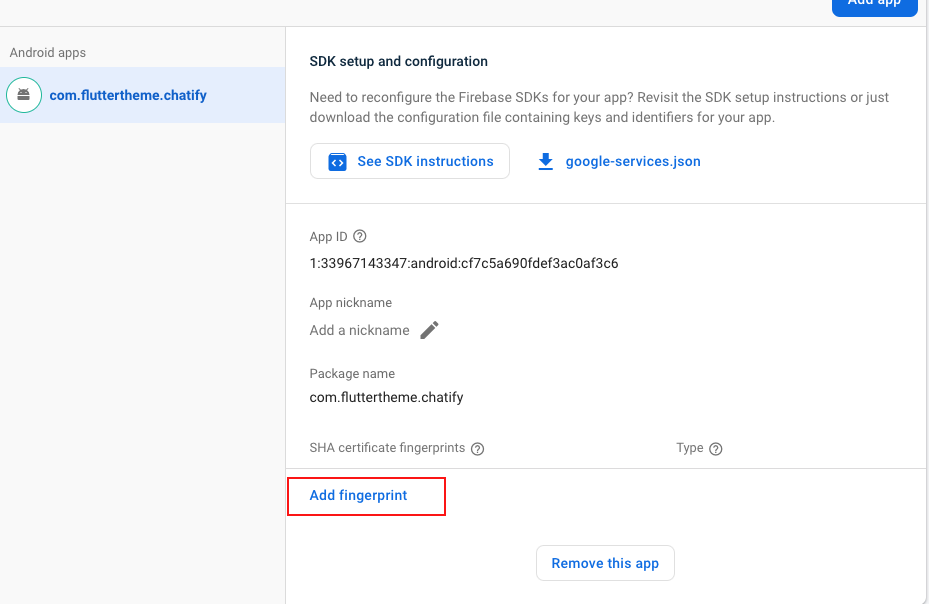
- In General tab, go down in that click Add fingerprint
- Generate debug and release SHA1 and SHA26 key and in fingerprint


Create Debug and Release SHA-1 add in firebase
- For Debug mode:
- keytool -list -v -keystore ~/.android/debug.keystore -alias androiddebugkey
- -storepass android -keypass android
- for Release mode:
- keytool -list -v -keystore [keystore_name] -alias [alias_name].
- For Create Bundle in android :
- If you want to create bundle instead of apk you have to add new signin
SHA-1 From
you google console like :
Go to Google play console ⇒ Select you app ⇒ Go to release Management ⇒ Open App Signin ⇒ Copy SHA-1 from app singin certificated and paste it to firebase project settings.

- If you want to create bundle instead of apk you have to add new signin
SHA-1 From
you google console like :