 Mode
Mode
Though it is not recommended to work on the computer in the dark , but in case the user is working in those conditions, it is essential to protect the eyes from the bright light of the screen. To make sure user has a great experience using this site, we have provided dark mode.
You can find Home Page on the right side of every page.
There are multiple customizations, we will talk about all individually.
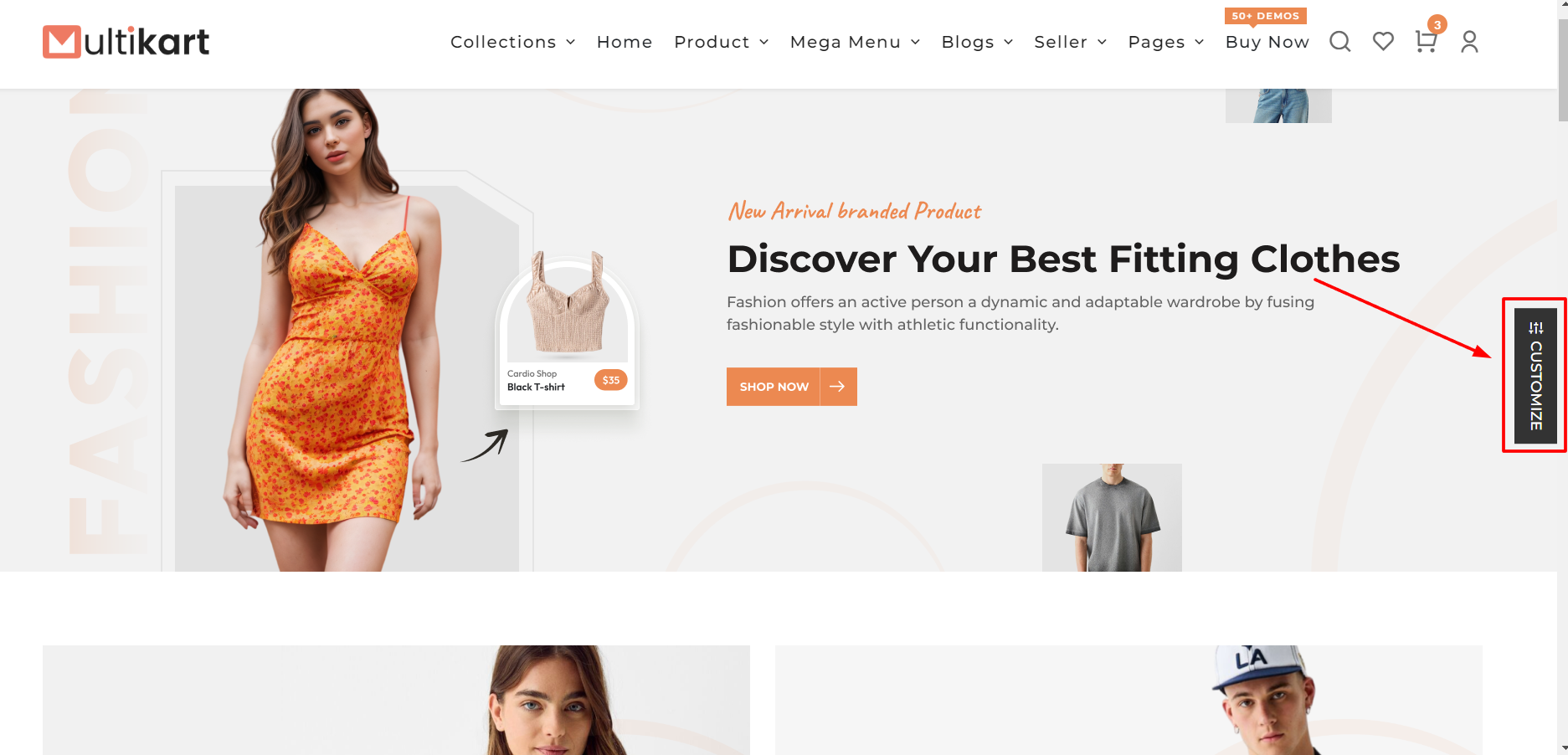
Layout Types:
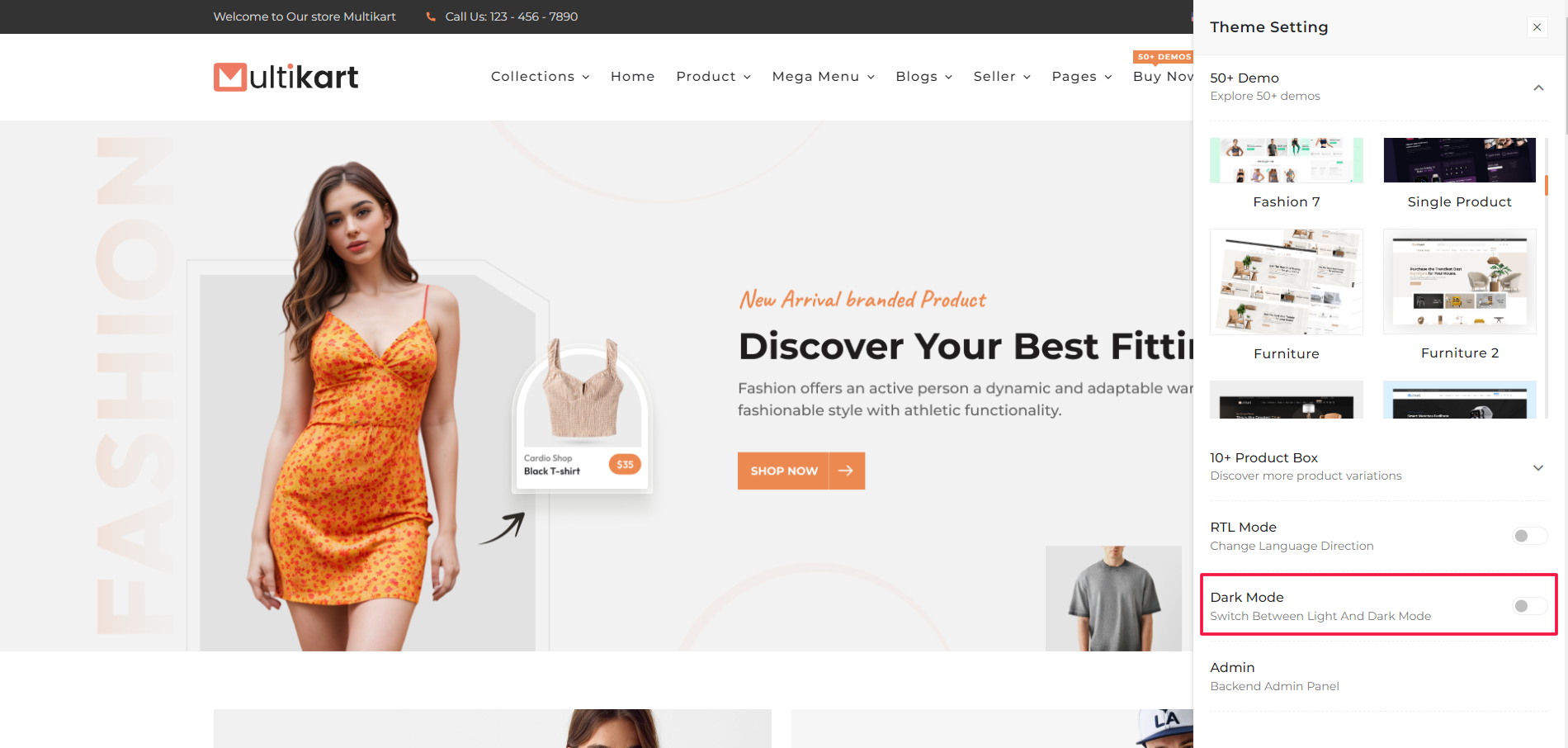
How dark layout apply to the theme?
To toggle the between dark and light layout, we just have to make sure that we add "dark" class in the body tag when the dark layout is activated and remove it when it is deactivated.
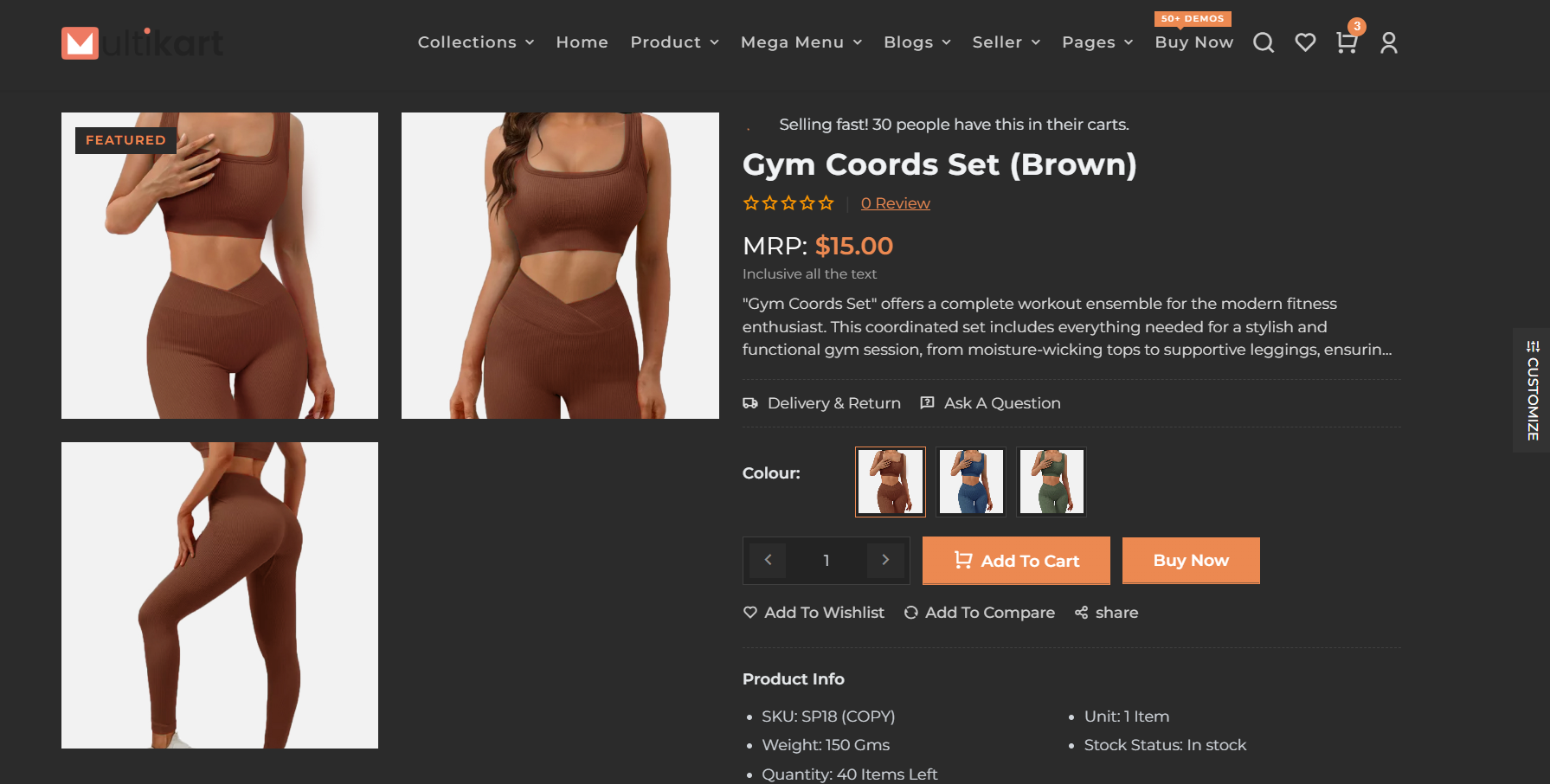
Layout With "dark" class added:

Layout With "light" class added:
Set Default Mode Setting
Step 1: Locate the JSON file at the path "src/app/api/themeOptions/themeOptions.json."
Step 2: Open the JSON file using a text editor or a code editor.
Step 3: Find the "mode" field within the JSON file. It should look something like this:
{
    "mode": "light",
    // Other JSON fields
}
Step 4: Change the value of "mode" from "light" to "dark," like this:
{
    "mode": "dark",
    // Other JSON fields
}
Step 5: Save the changes to the JSON file.