
Theme Layouts
Layouts
We have pre-made multiple layout using all available customization options. Have a look at them and choose the combinations you like. You can also mix few layouts yourself and create your own designs.
To View these layout, we have provided layout settings on the bottom of the page. Click on the first icon, there you will find all the different layouts, named by the popular cities of the world.
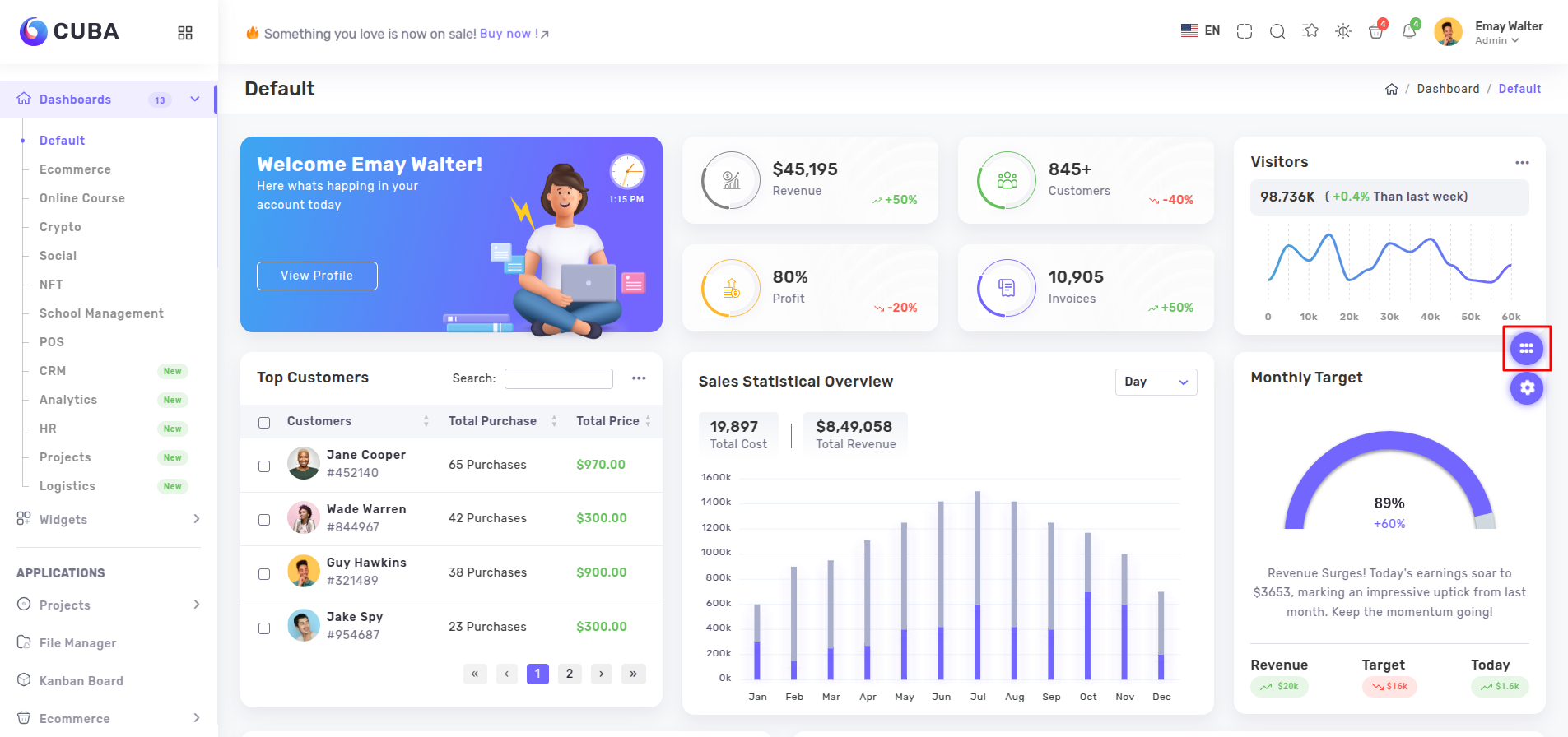

Layouts changes as the classes in the below given div tag changes.
<div class="page-wrapper LAYOUT_CLASSES_HERE">...</div>
Dubai:
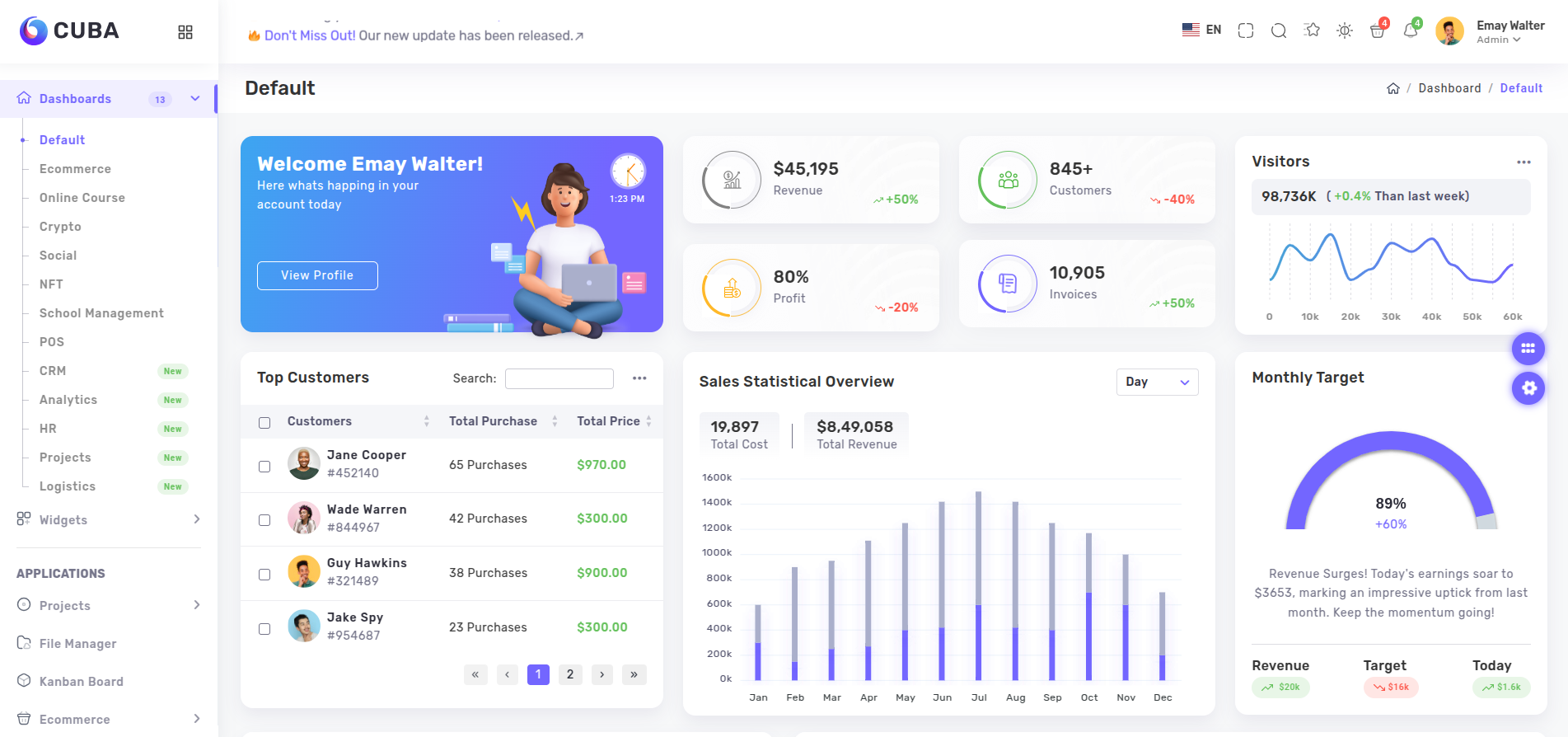
Starting with the "Dubai" layout, it is the default layout we have used in our theme. Being simple and attractive, it serves the purpose of providing all essential components like sidebar and header all at one place, visible to the user.
The Classes that needs to be added the above mentioned div are 'page-wrapper compact-wrapper'.
Los Angeles:
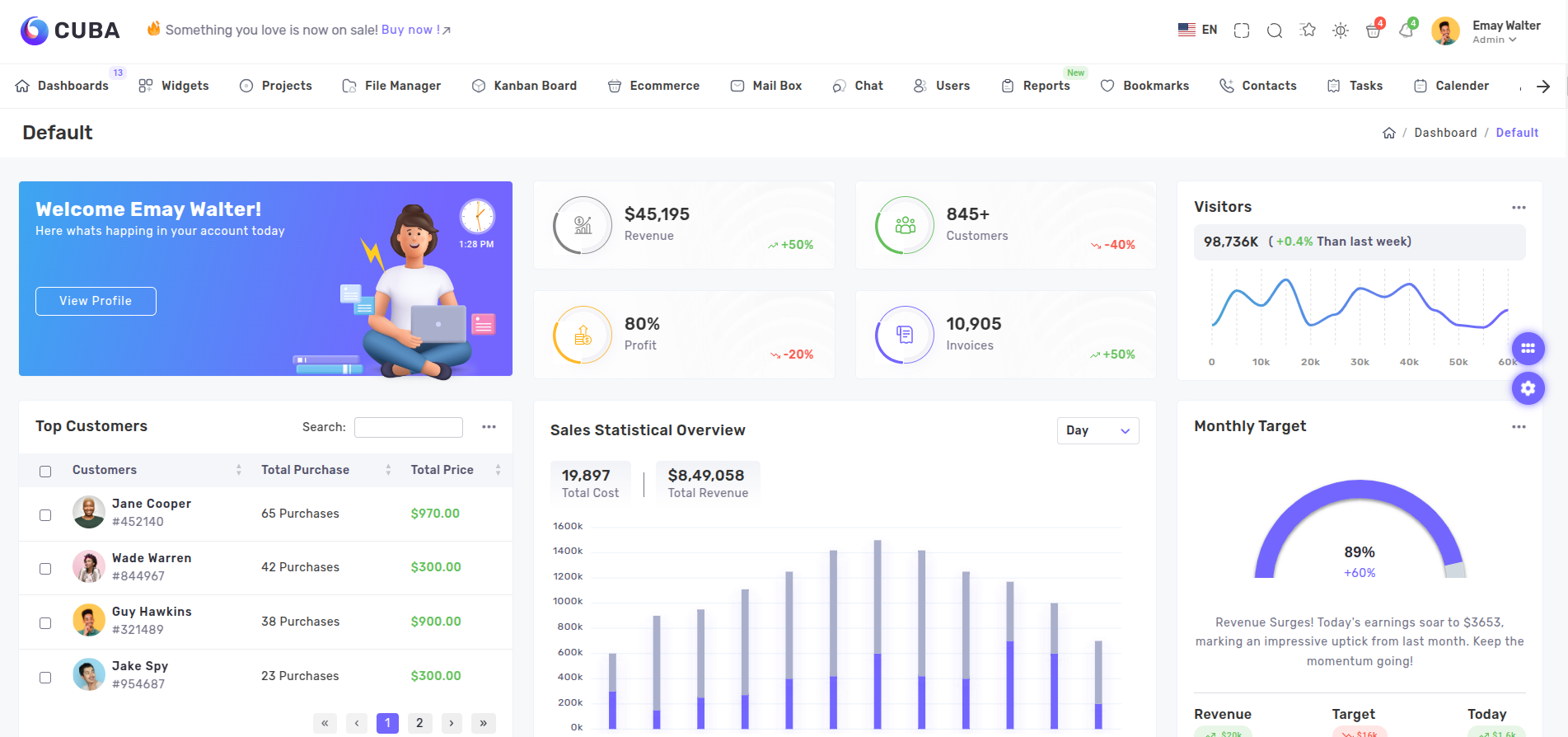
Here comes the implementation of Boxed Layout with "Los Angeles" design. By shifting sidebar to the top of the page and changing the amount of space that content occupies, it gives us a unique page layout format.
The Classes that needs to be added the above mentioned div are 'page-wrapper horizontal-wrapper material-type'.

Paris:
After messing around with different positions to place the sidebar, in "Paris" Layout we mess with colors. Sidebar has been given a dark background color with a bright and vibrant foreground.
The Classes that needs to be added the above mentioned div are 'page-wrapper compact-wrapper dark-sidebar'.

Tokyo:
If you need show more space for your page content and less for the sidebar. This layout is the one you want to choose. We have made the sidebar a bit compact to provide more space for the rest of the page.
The Classes that needs to be added the above mentioned div are 'page-wrapper compact-sidebar'.

Moscow:
If you liked the tokyo layout but think that "Those text below the icons are not looking good, I just want the icons", we have made your wish come true. In "Moscow" layout, we have removed all text from the visible sidebar and kept just the icons.
The Classes that needs to be added the above mentioned div are 'page-wrapper compact-sidebar compact-small'.

Singapore:
Okay so you don't like the boxed layout, and nor you want the navigation links on the side. Yup, we made that combination as well. Just copy the classes and use it. We have also fixed the header at the top,so that the user won't have to scroll all the way to top for navigating to other pages.
The Classes that needs to be added the above mentioned div are 'page-wrapper horizontal-wrapper enterprice-type'.

New York:
Fan of the boxed layout but also want sidebar with it? Look no further, "New York" layout is made for you. Along with the boxed-layout , we made sure that sidebar is also visible.
The Classes that needs to be added the above mentioned div are 'page-wrapper compact-wrapper box-layout'.

Barcelona:
If the header is in the way on scroll when you are using singapore layout, we have removed the fixed header in the "Barcelona" layout. If your page content is short then this layout will work for you.
The Classes that needs to be added the above mentioned div are 'page-wrapper horizontal-wrapper enterprice-type advance-layout'.
Madrid:
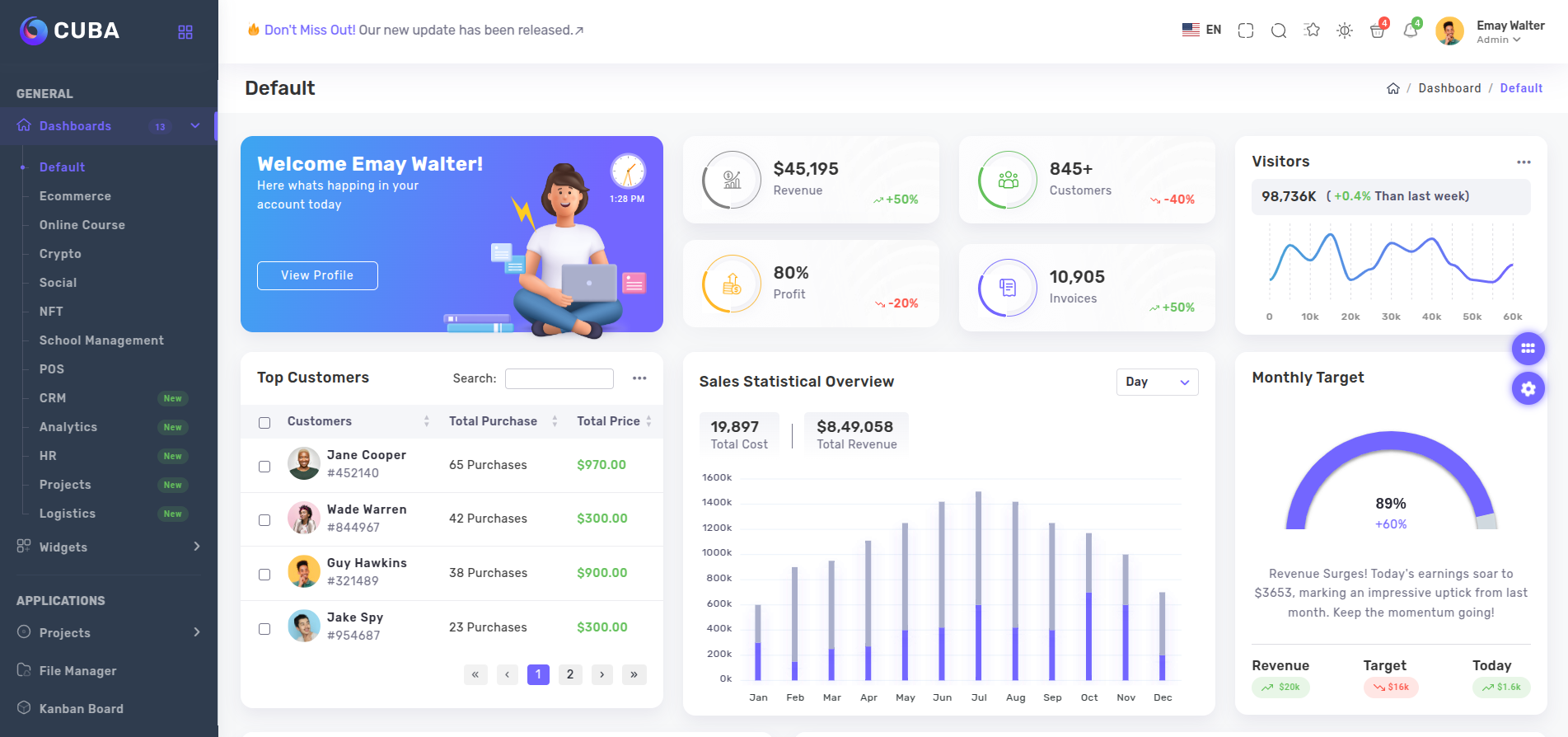
Similar to the Paris layout, "Madrid" layout comes with the dark sidebar. But contrast between the background and foreground color is a bit lower than the paris layout. This setting make it easier for the eyes to transition between the sidebar and page content by keeping the dark setting for the sidebar.
The Classes that needs to be added the above mentioned div are 'page-wrapper compact-wrapper color-sidebar'.
Rome:
With the totally different header and using the concept of the boxed layout, we have kept just the page content in the boxed layout, creating a type of 3d effect. To make the effect more convincing we have kept the compact sidebar with only icons visible.
The Classes that needs to be added the above mentioned div are 'page-wrapper compact-sidebar compact-small material-icon'.

Seoul:
"Seoul" layout is similar to the Dubai layout, the difference here is that the sidebar is detached from the side of the screen and the header.
The Classes that needs to be added the above mentioned div are ' page-wrapper compact-wrapper modern-type'.

London:
Next comes "London" layout. Without any sidebar or header, it is a perfect layout when you do not want any cluster in your page. You could use this layout while creating dashboard pages to show some graphical data.
The Classes that needs to be added the above mentioned div are 'page-wrapper only-body'.

Note:Please make sure to import the necessary scss files or else the styles won't apply.