Fastkart
created: 18/08/2022
Fastkart is UI Component + UI kit about eCommerce App, This UI Kit comes with around 30+ Screens and it will works in both platform android and iOS. Fastkart has few additional fectures like Shimmer effect, Multicurrency, Multilanguage and RTL support.This UI enable you to develop beautiful and feature-rich apps.you can take some part of code whatever you like and implement it into your code. Our Code is well organized with all folders, file name, class name variable and functions under 70 lines. As well as it’s well-named make this code easy to reuse and customize.This app has feature like Light and Dark mode.
Features
- Login with Google
- Login and Register with Firebase
- E-commerce Application Template
- MultiLanguage support
- MultiCurrency support
- RTL Support
- Shimmer Loader effect
- Light and Dark Mode Theme
- 1000+ Hours saved
- Fields Validation
- Clean and Simple Code and Well Documented
- Code under 70 line
- Easy to SetUp
Installation
- If you haven’t React Native in system ? Click here for installation React Native https://reactnative.dev/docs/environment-setup
Change your ProjectName :
- Open terminal and enter command to create project.
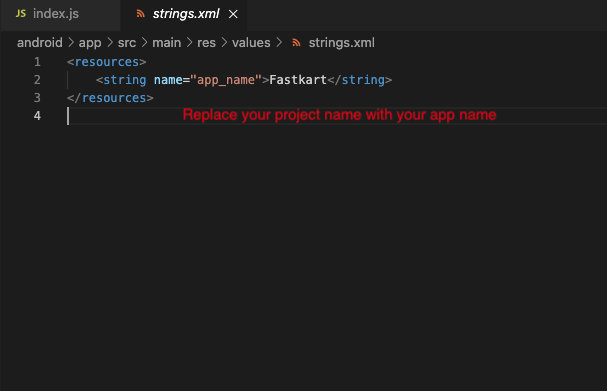
- Replace Project name and Package name Fastkart with your name.

Firebase Setup
- Create Your Project in firebase
- If you haven’t Firebase Project Account ? Click here for create projet https://console.firebase.google.com/


- Select an Android app in the firebase console.
- Write project package name and SHA-1 Key.
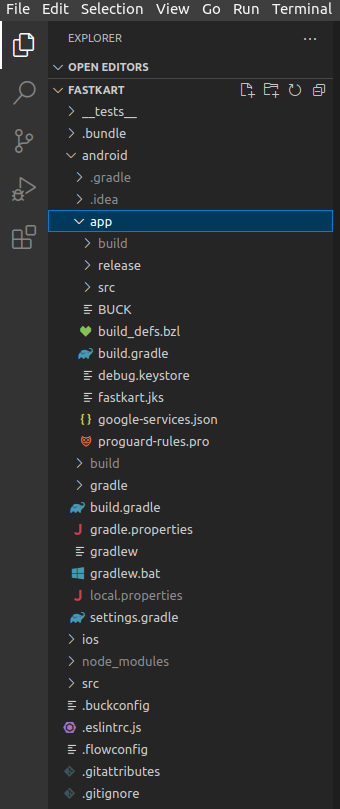
- Download google-service.json file and keep in project root directory
- Example Fastkart(Project Name) -> android -> app
- Replace the file in "android/app"
- Update in project -> build.gradile
- Update in project ->android -> app -> build.gradile
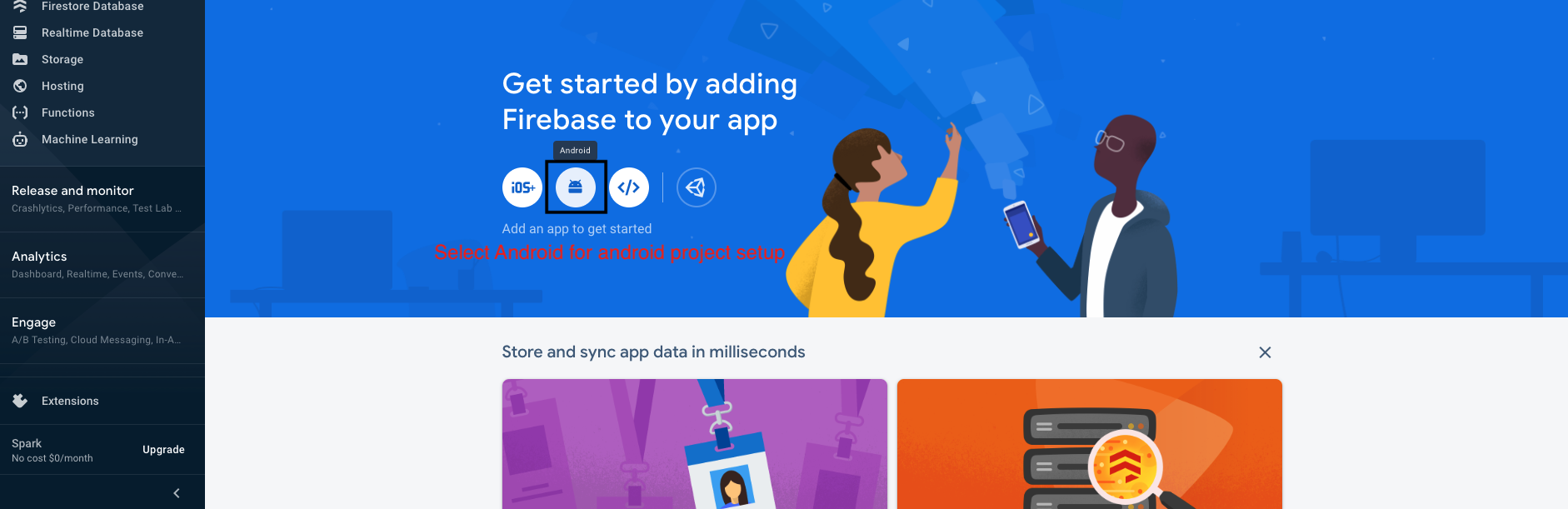


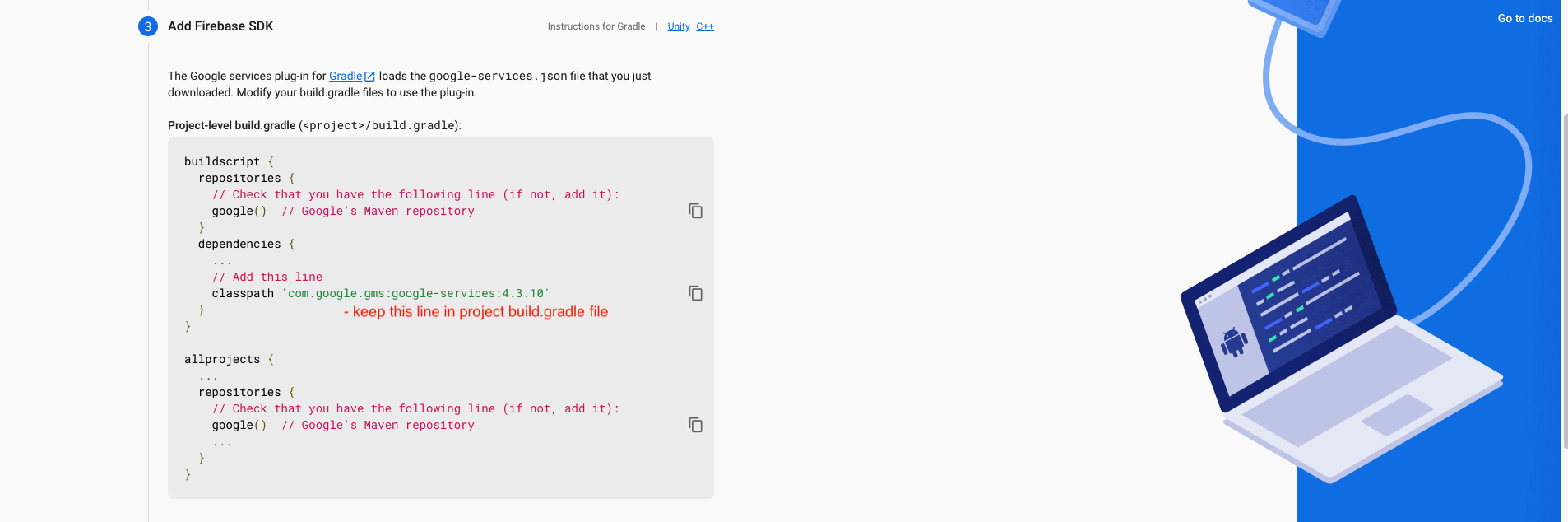

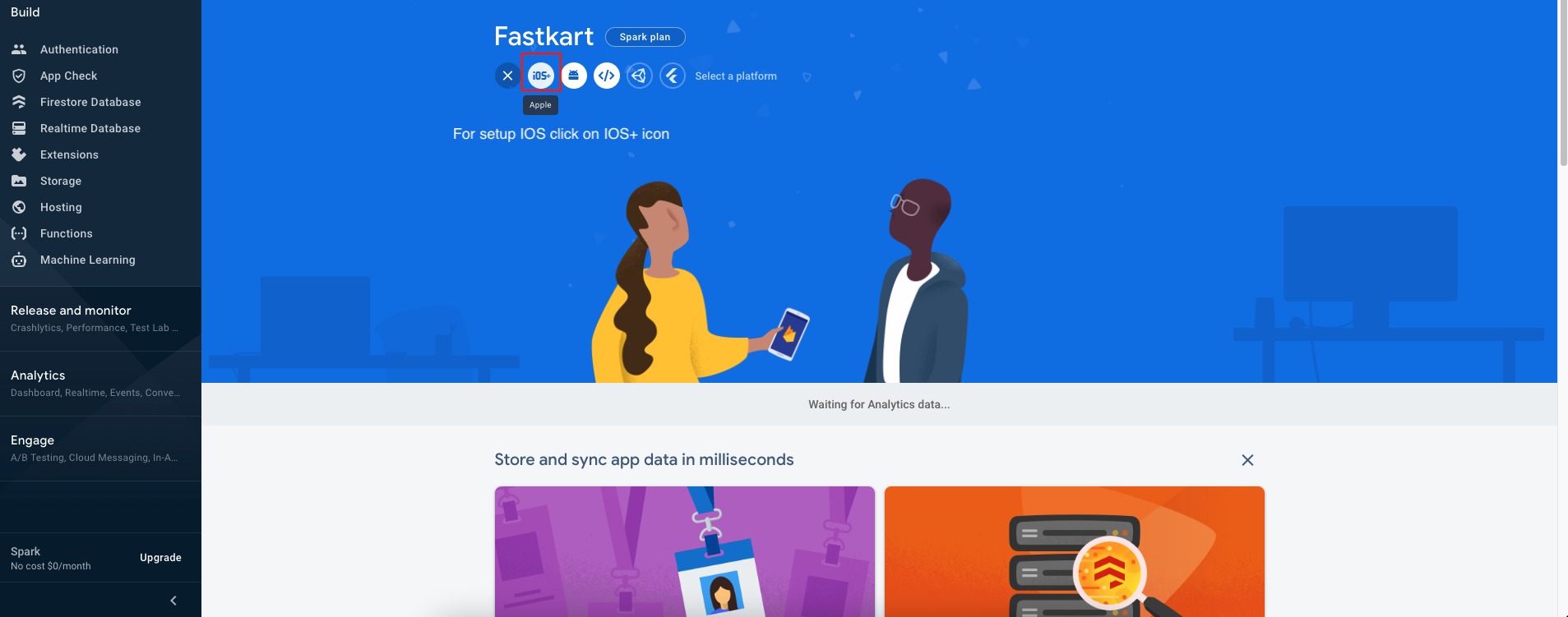
- Create an IOS or Android click on Add app
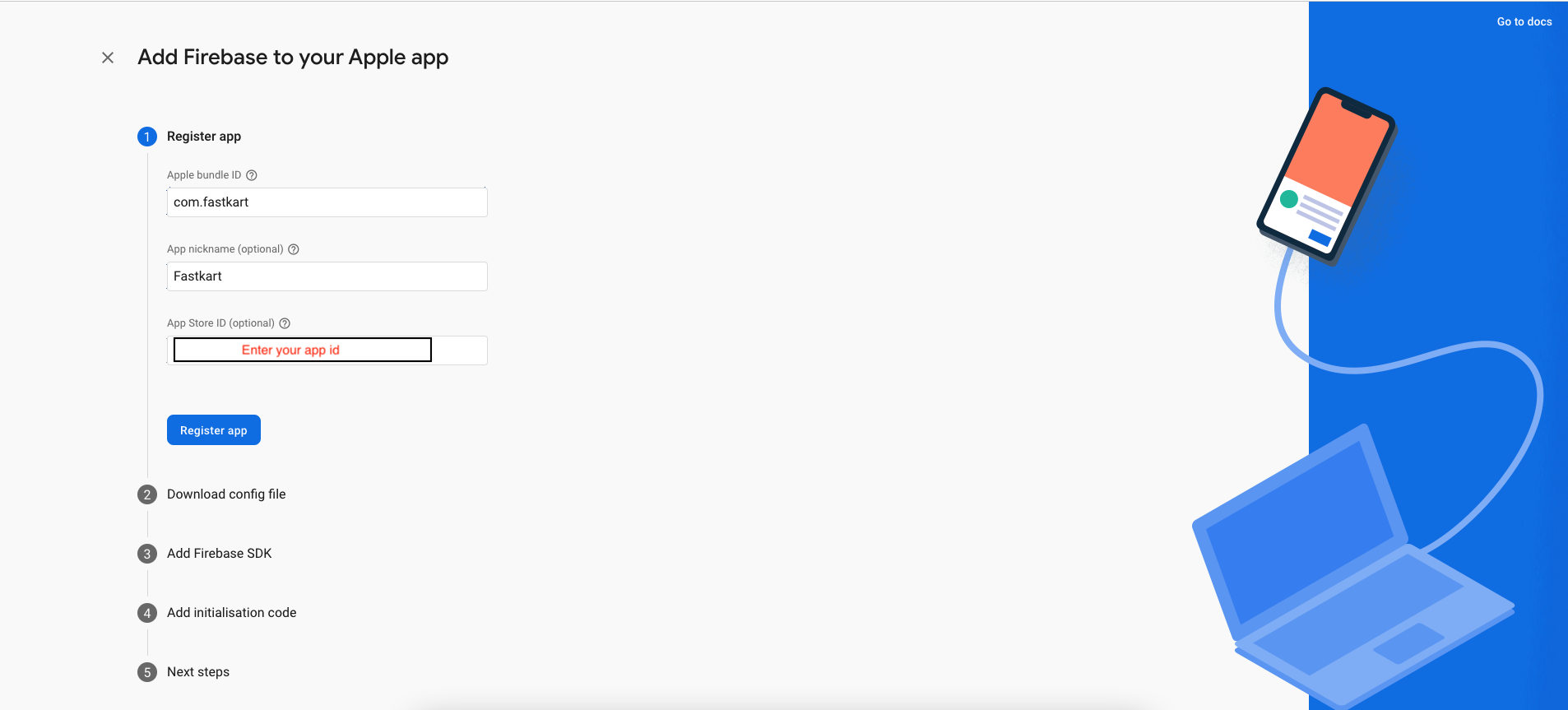
- Select an iOS app in the firebase console.
- Write bundlid and APPID
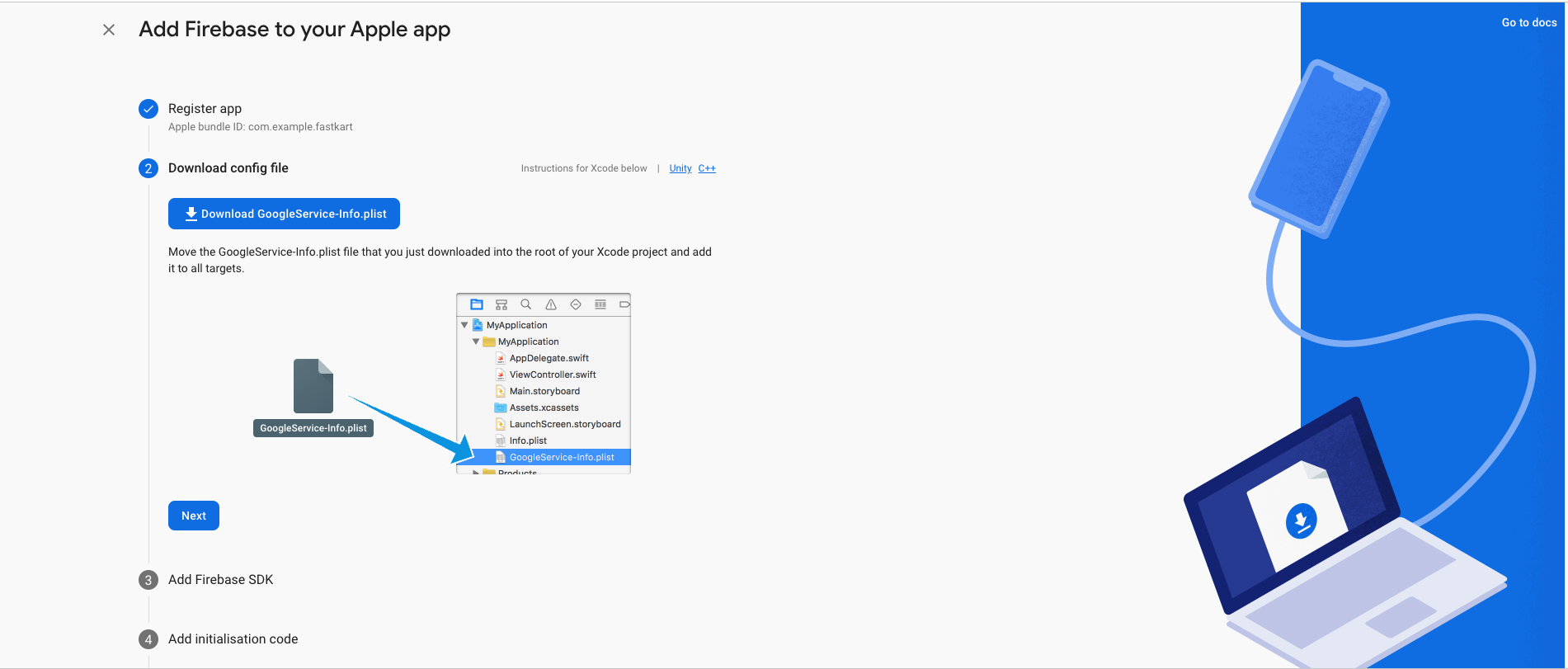
- Download the Googleservice-info.plist file
- Replace the file in "ios/Runner/info.plist"
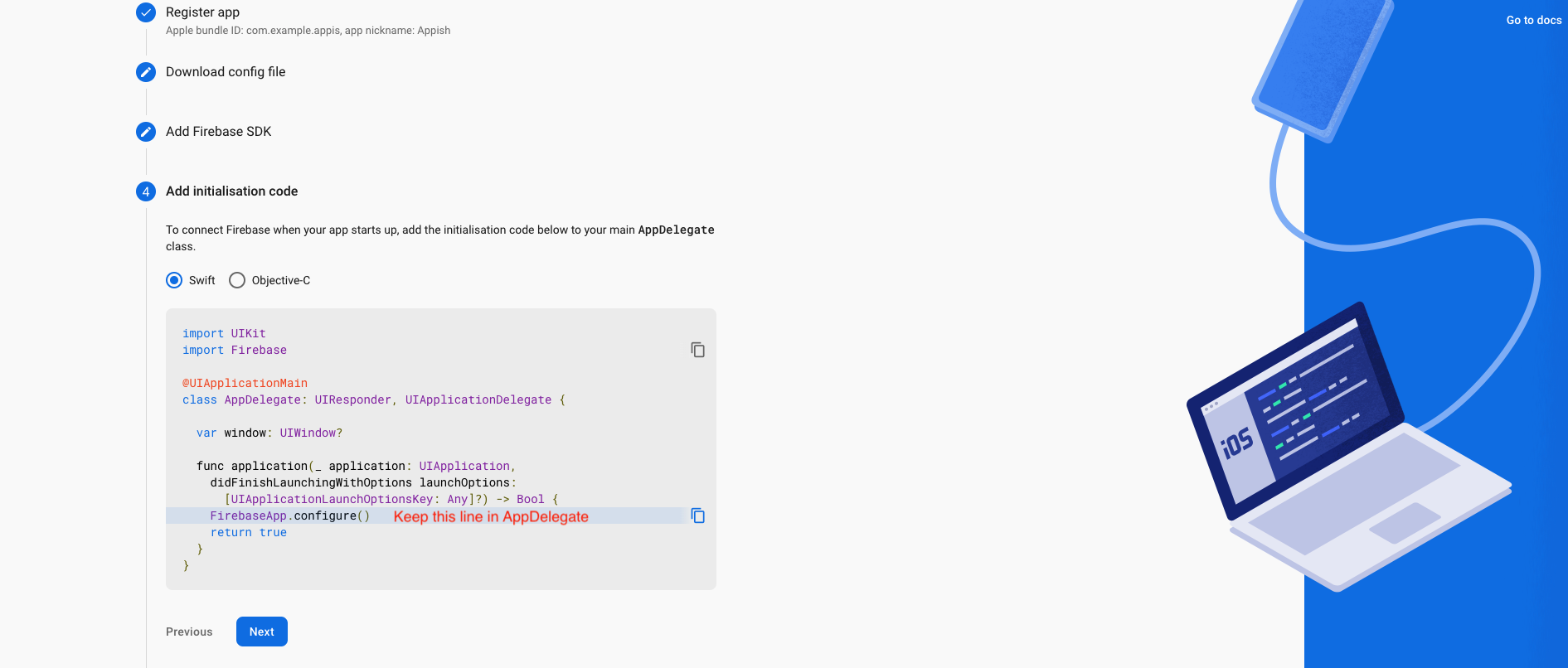
- Update "FirebaseApp.Configure()" in AppDelegate File

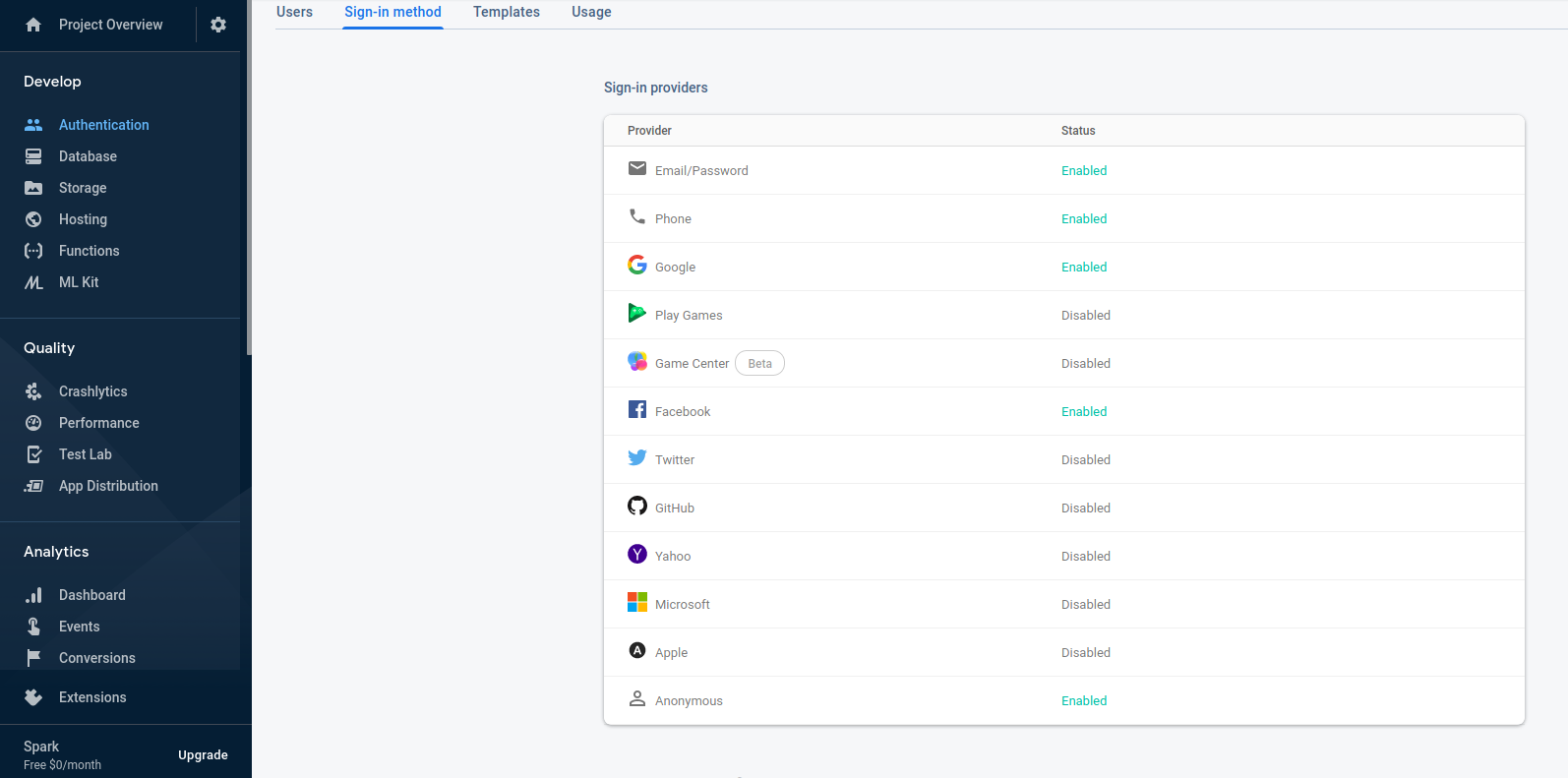
- Please enable Email , google , facebook .
- For Debug mode:
- keytool -list -v -keystore ~/.android/debug.keystore -alias androiddebugkey
- -storepass android -keypass android
- for Release mode:
- keytool -list -v -keystore [keystore_name] -alias [alias_name].
- For Create Bundle in android :
- If you want to create bundle instead of apk you have to add new signin SHA-1 From
you google console like :
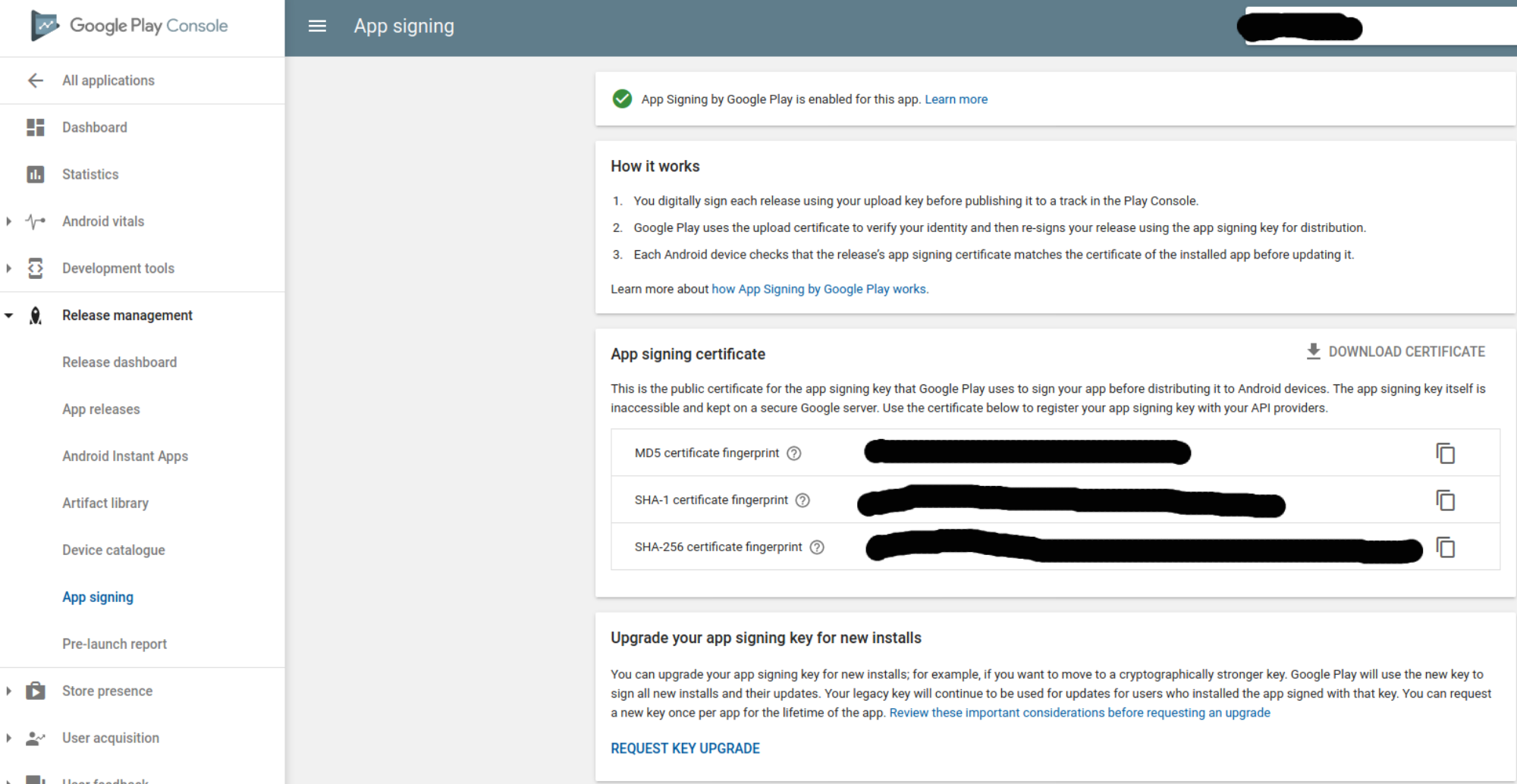
Go to Google play console ⇒ Select you app ⇒ Go to release Management ⇒ Open App Signin ⇒ Copy SHA-1 from app singin certificated and paste it to firebase project settings.
- If you want to create bundle instead of apk you have to add new signin SHA-1 From
you google console like :